
 Use cases
 Messaging
 Taxi Companies
 Private Transport
 Transportation Entrepreneurs
 Last Mile
 SuperApp
 Software
 Taxi dispatch
 Corporate transportation
 Auction
 Products
 Booking Software
 Dispatch Platform
 Driver App
 Passenger App
 Web Widget
 Functions
 Schedule & Booking
 Driver Management
 Custom
 Corporate Portal
 Security & Support
 Resources
 Learn
Learn



Customer App: Placing an Order (Delivery Module)
Users download the app, and if it includes both the taxi and delivery modules, they'll see both within the same app. After signing in, they can choose which module to use. Here, we'll focus on the delivery module.
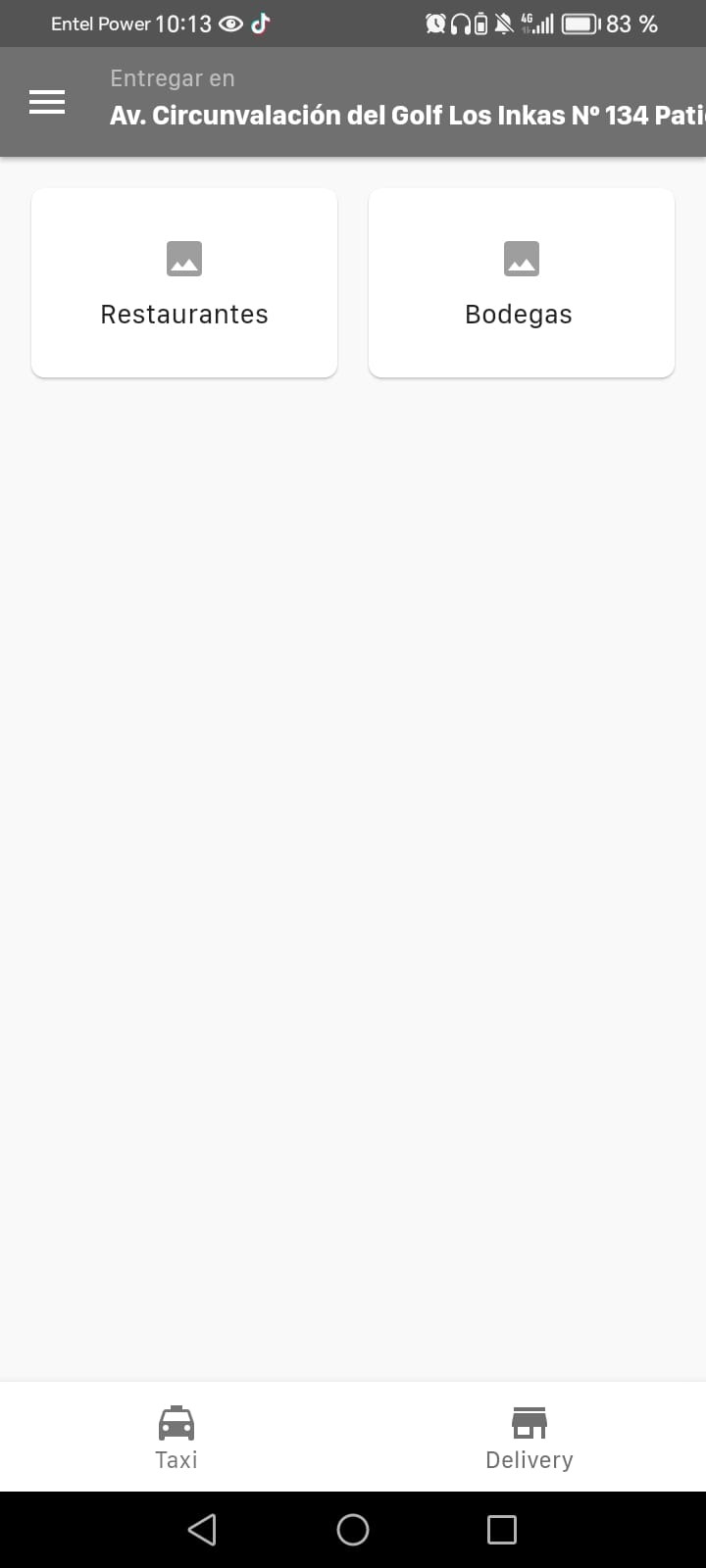
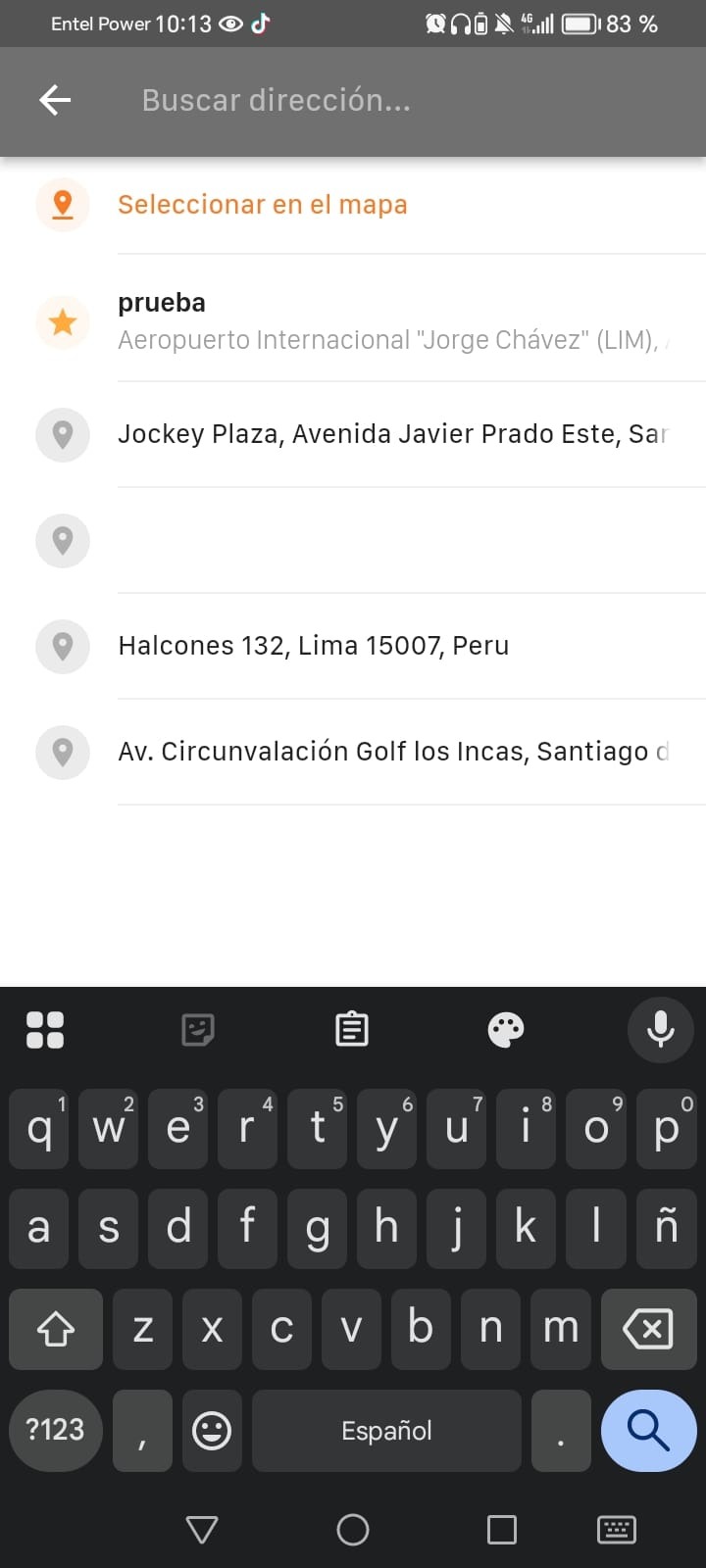
When you select the delivery module, the first thing you'll see are the store types available for your current location, which the app detects through geolocation. That said, you can manually change your delivery location from your in-app profile before placing an order.
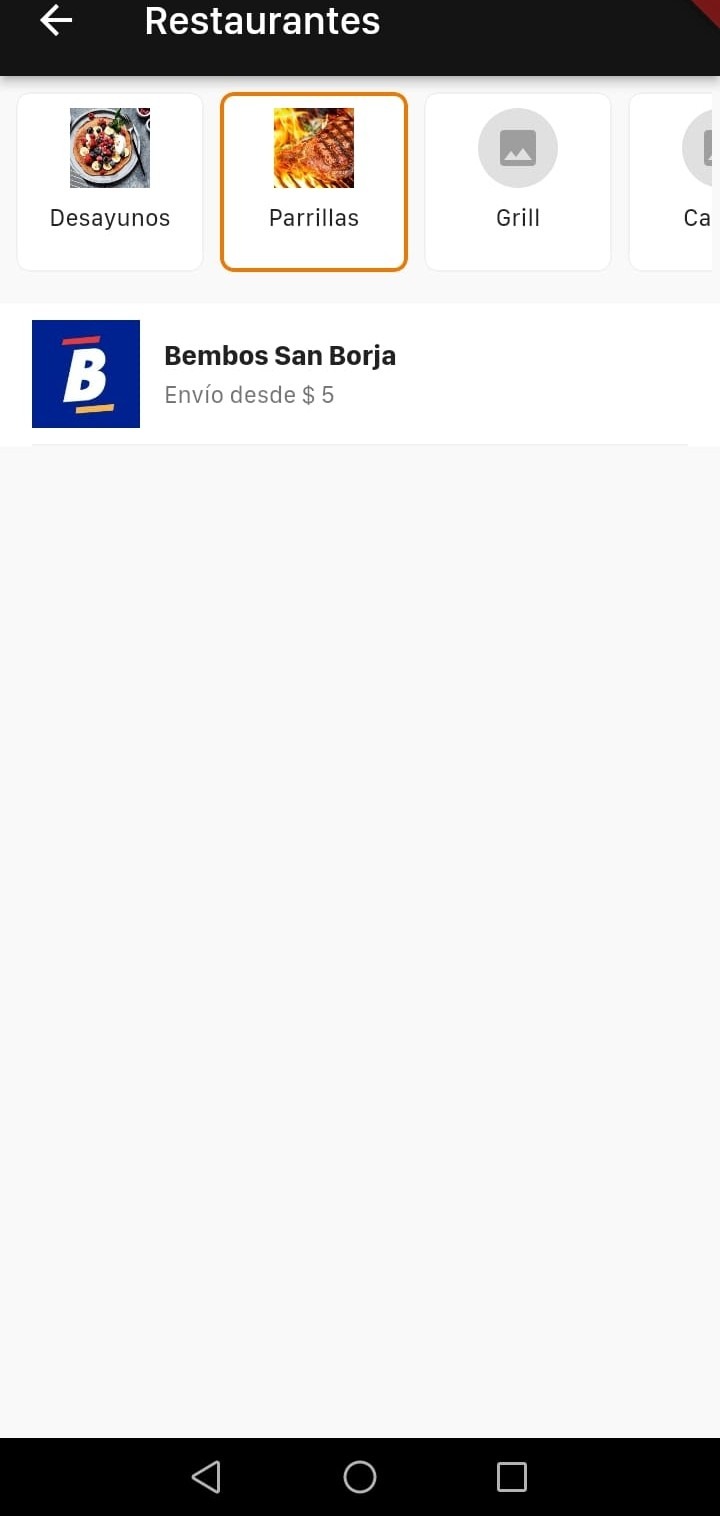
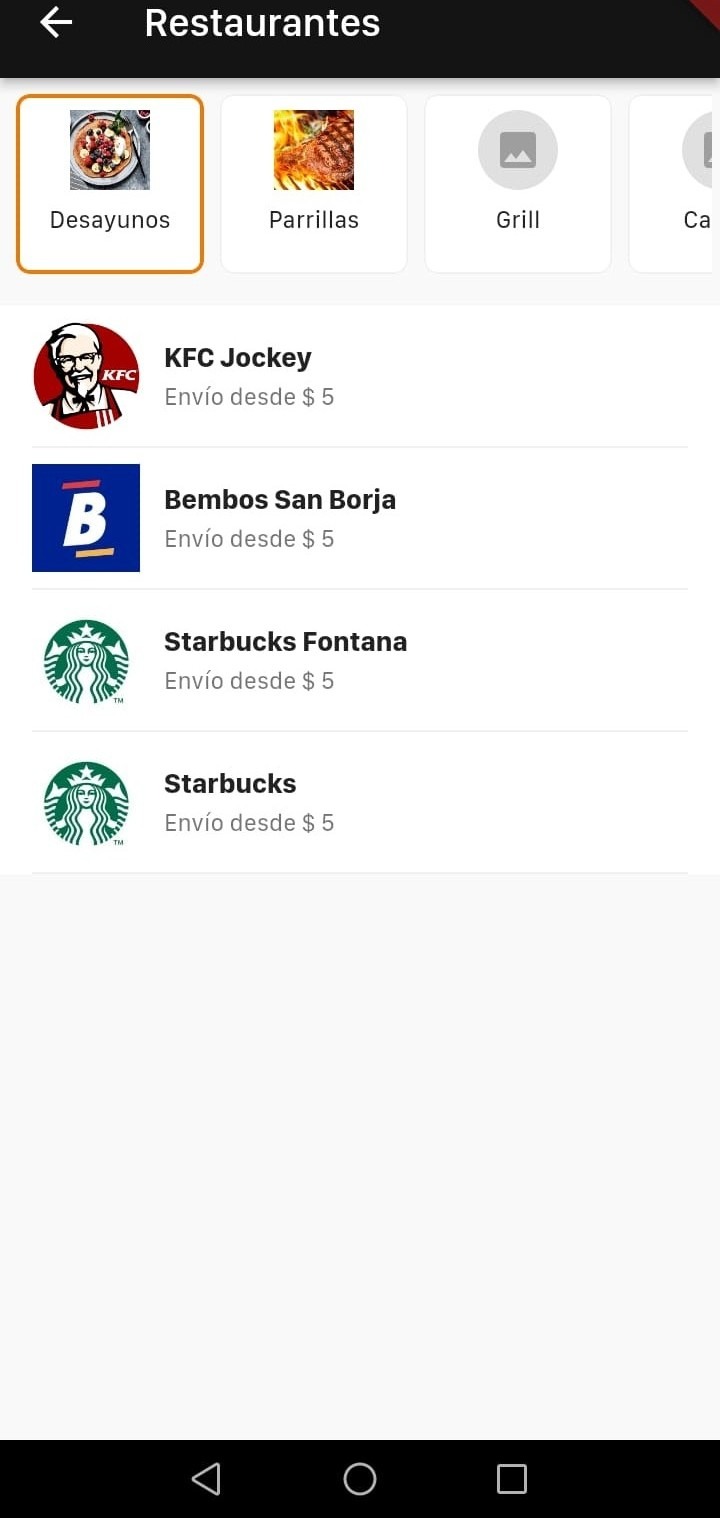
Each store type has a coverage radius set by the location of its stores. Once you pick a store type, you'll see the available stores grouped by the defined categories. Selecting a category brings up the stores associated with it, so you can go ahead and start choosing products.
When you open a store, you'll see the available items, including their photo, name, price, and a short description (if there is one). You can set the quantity you want, add a note, and then add the product to your cart.
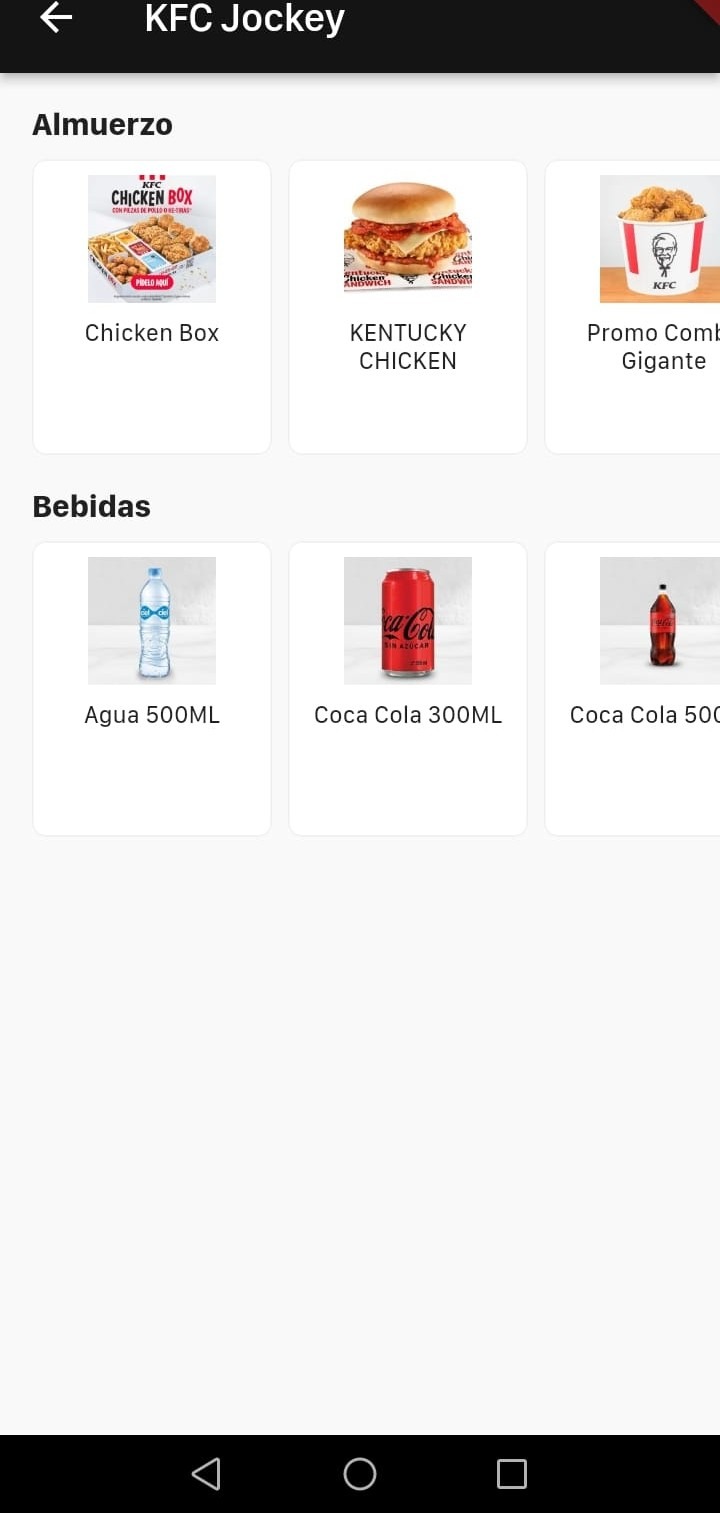
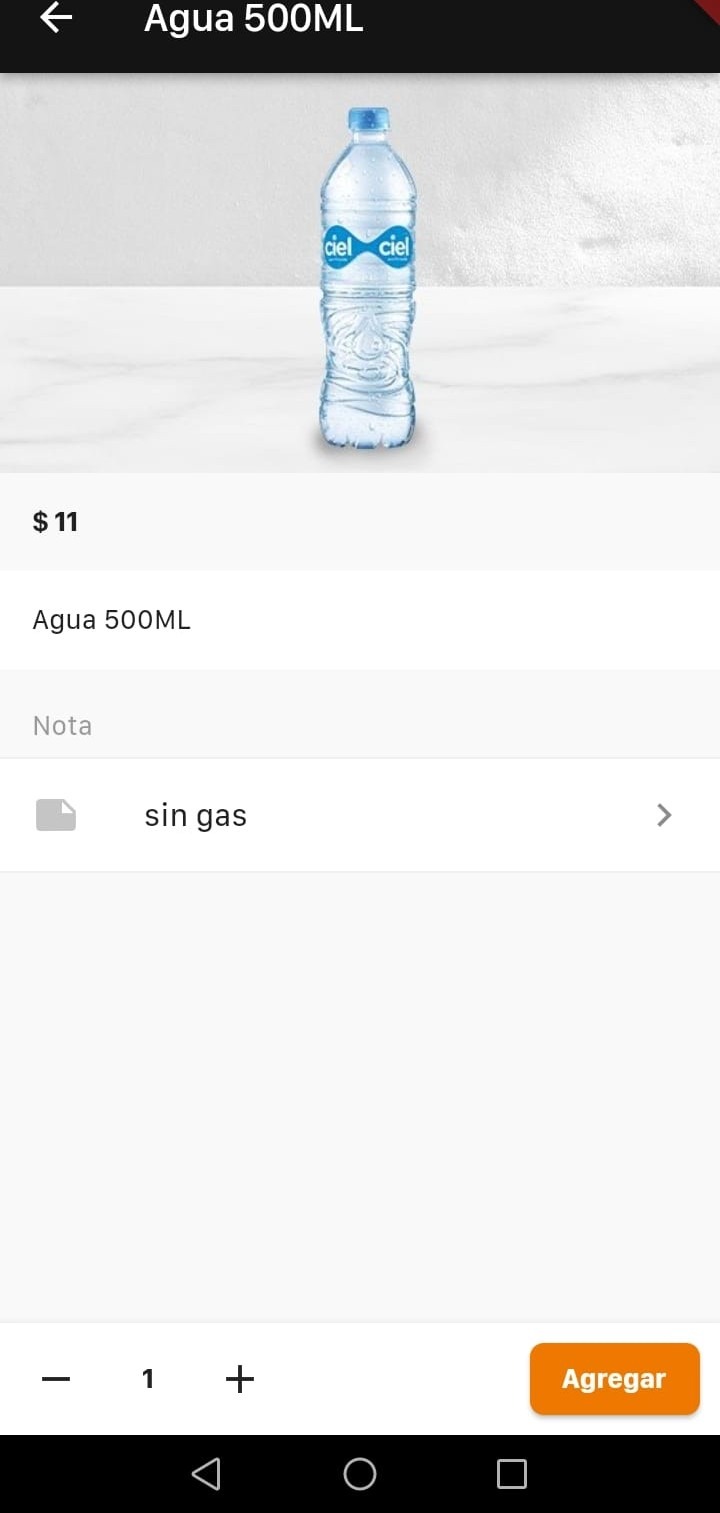
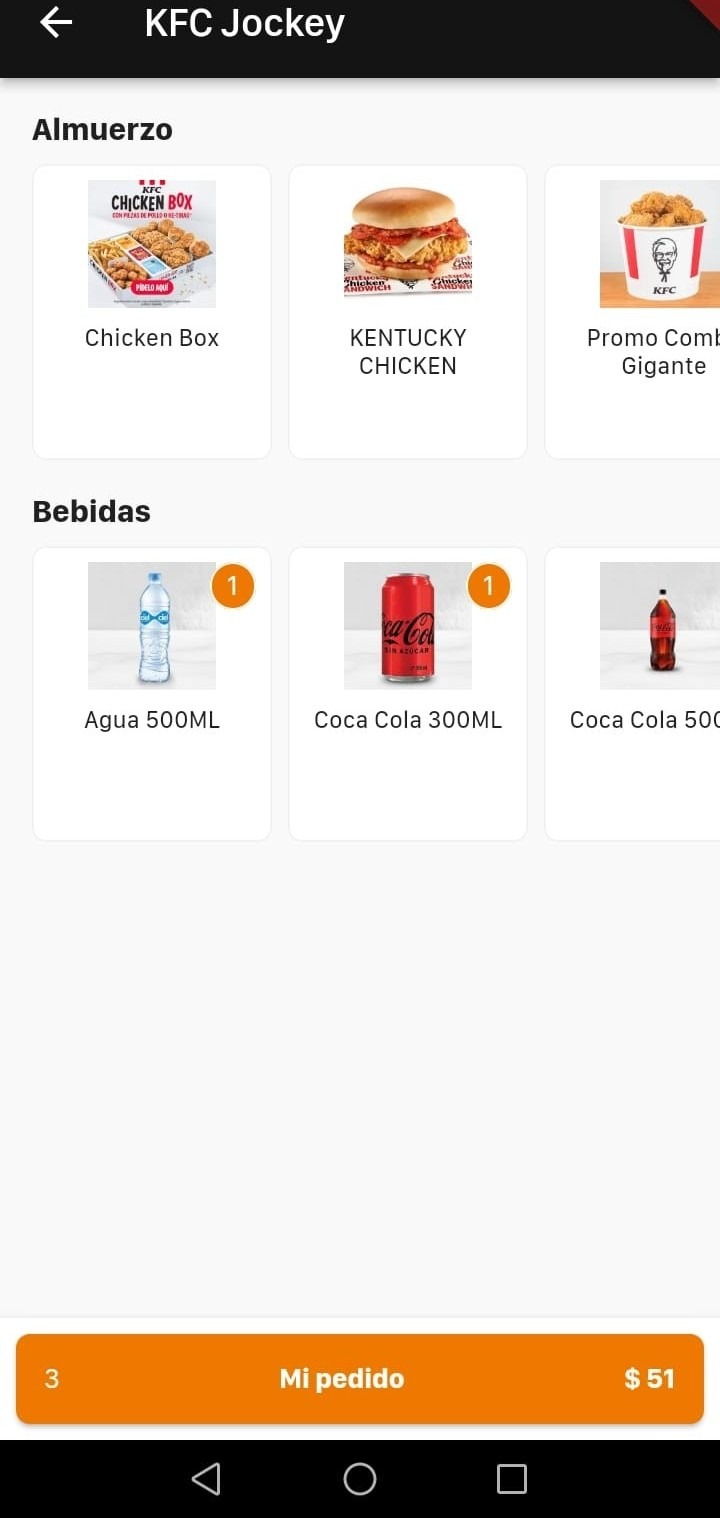
You can repeat this to add more items. When you're ready to review your order, head to the "My order" section, where you can see a summary of your cart, change quantities, remove products, and check the subtotal.
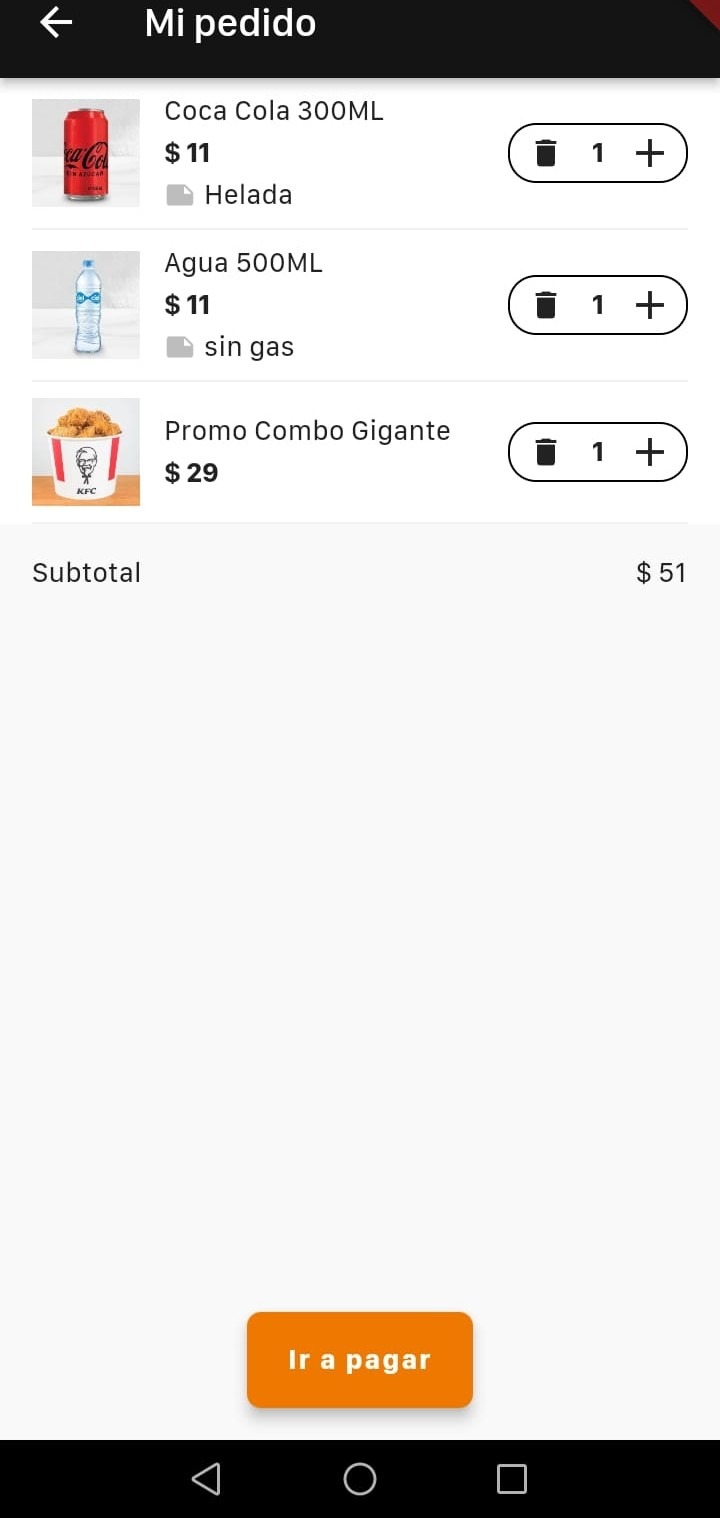
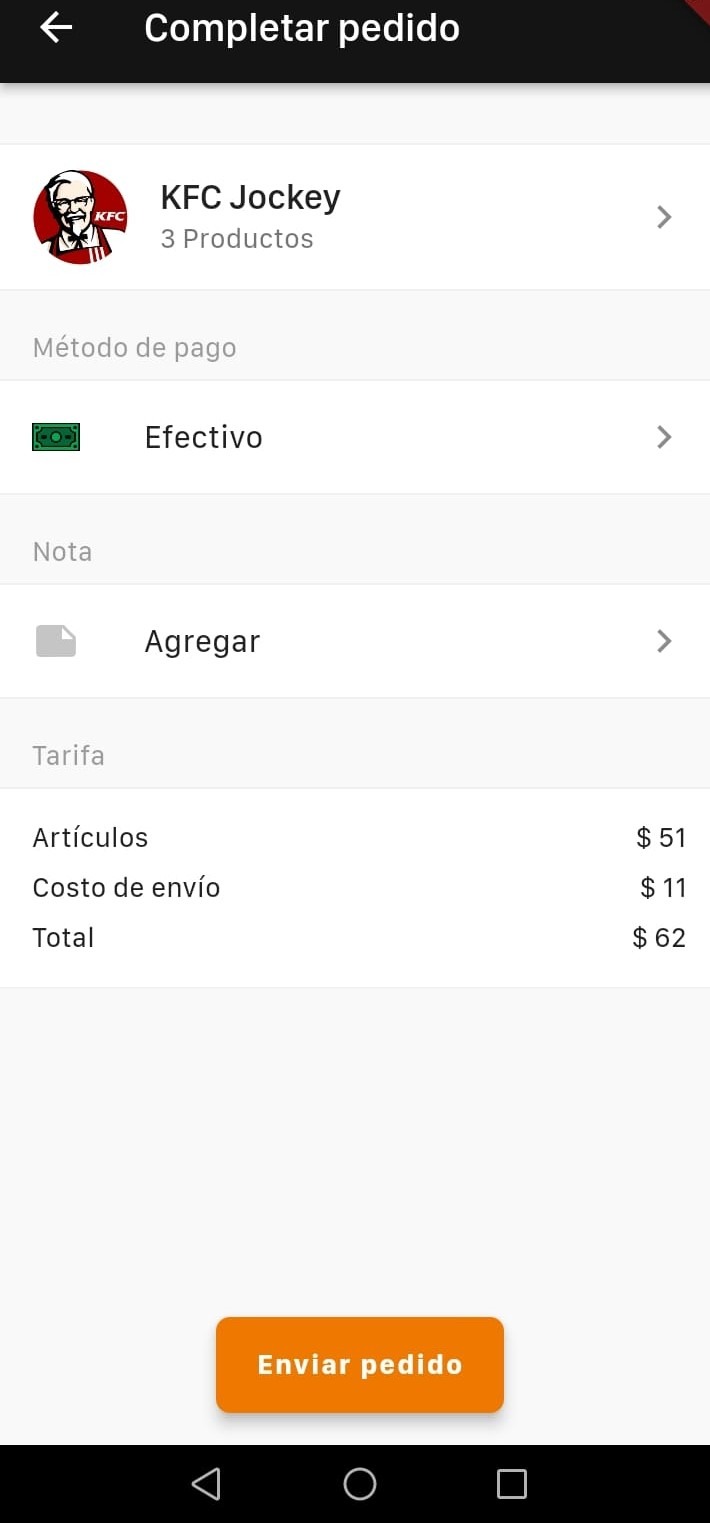
When you continue, you'll reach the checkout screen. There you can choose a payment method, add a general note (separate from the per-product notes), and review the full price breakdown, including the delivery fee. Finally, once you confirm and submit the order, it goes straight to the corresponding business.
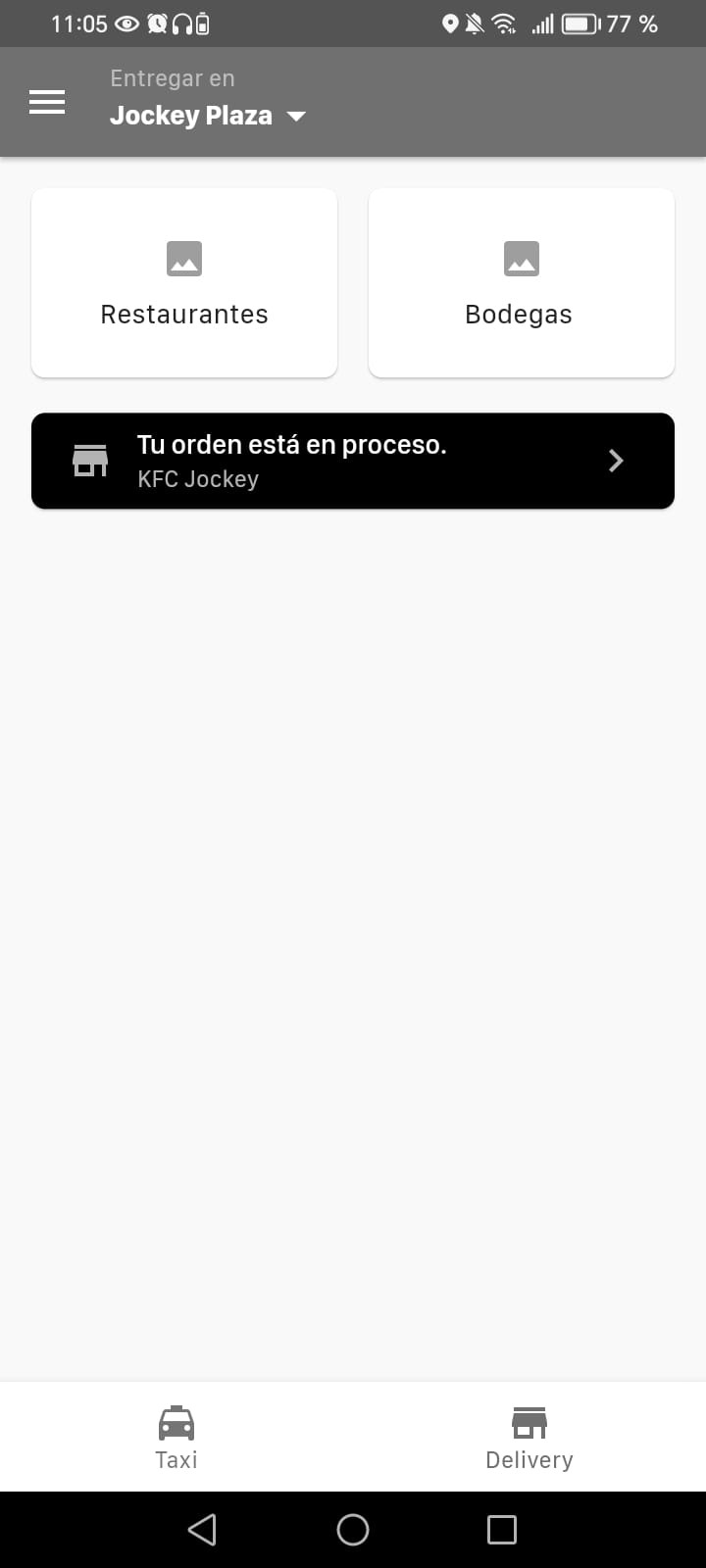
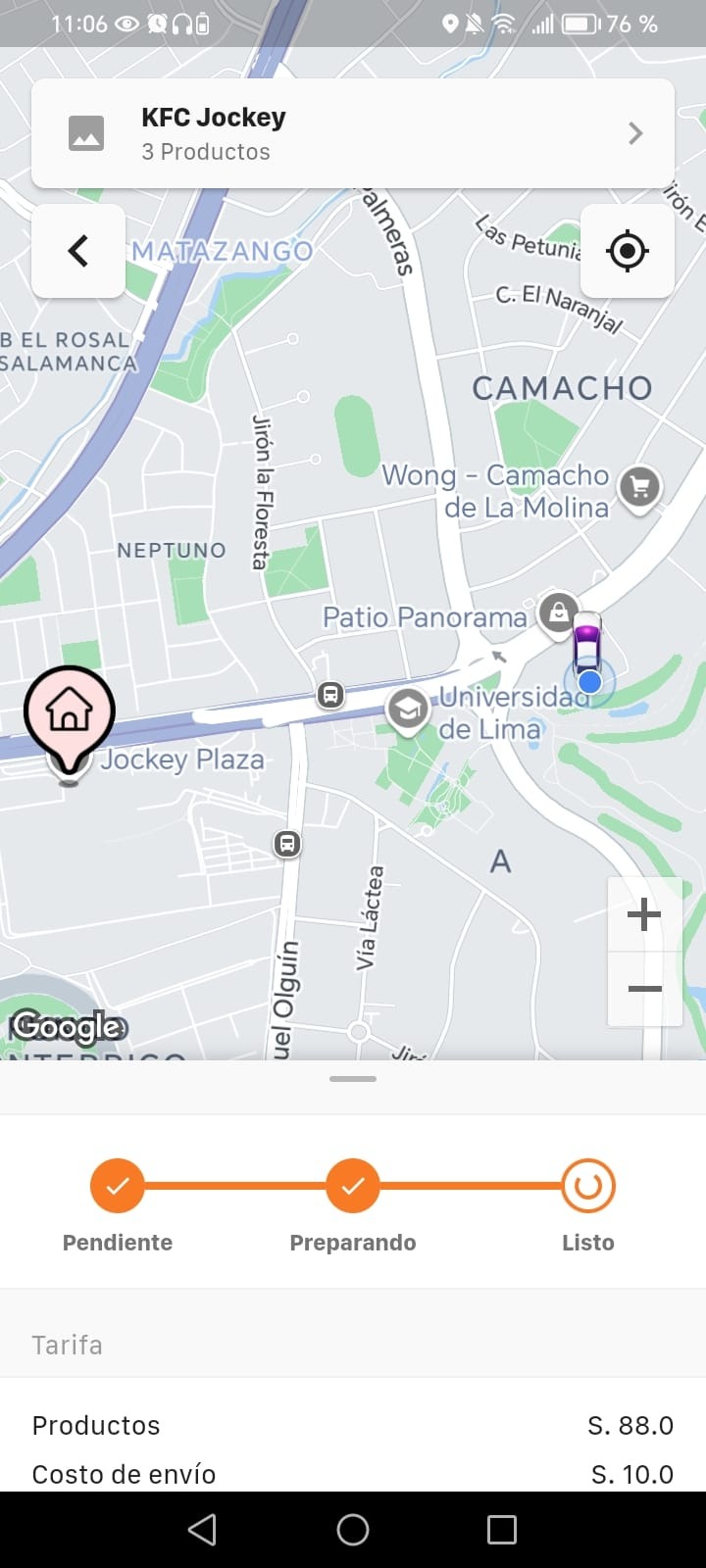
Once the order has been submitted, the message "Your order is being processed" will appear when you open the app. Tapping that message shows the order's current status, which updates automatically as the partners mark progress from their dashboard. These statuses can include "pending", "preparing", and "ready", letting you track your order's progress in real time.
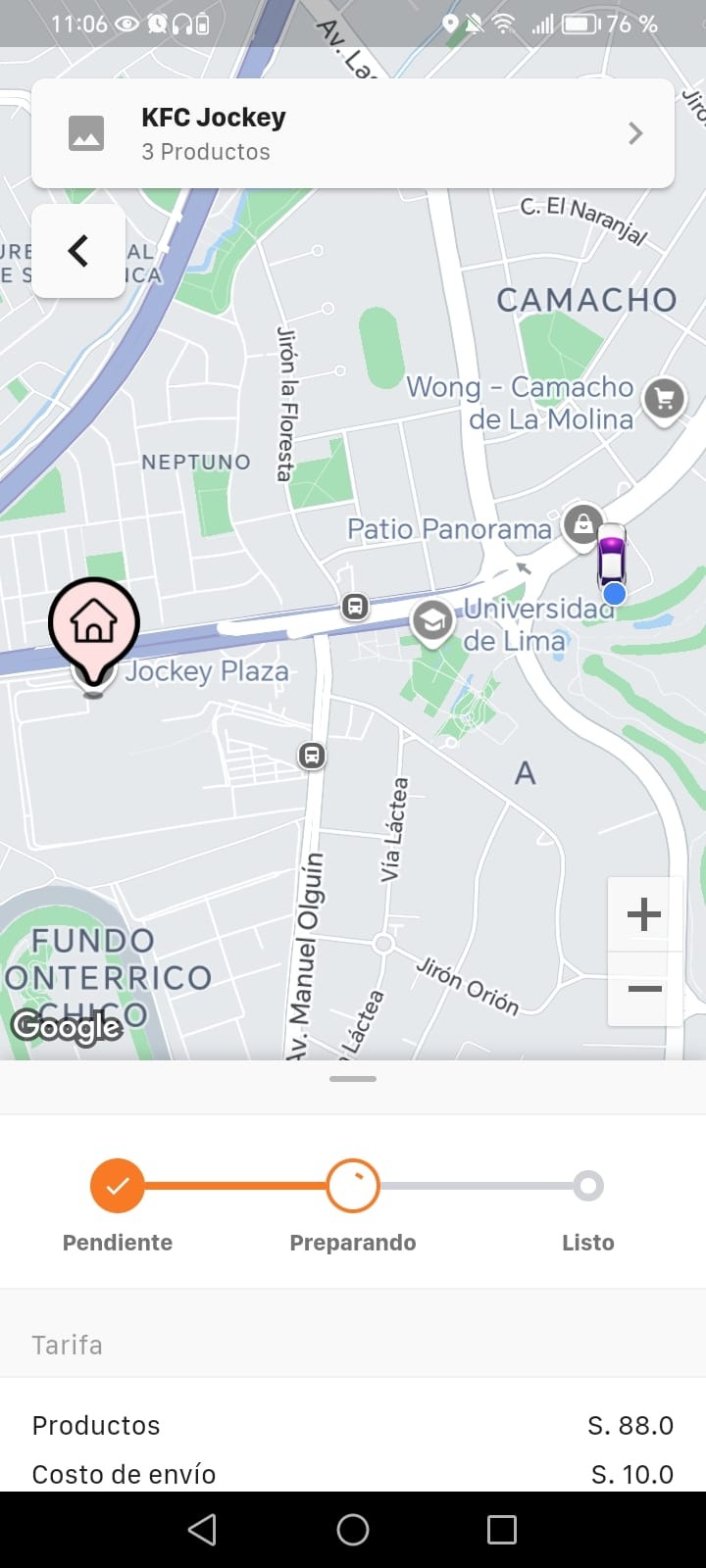
You can also receive notifications as your order progresses and see the driver's location in real time, if that feature is enabled. On top of that, you can open the order details and contact the driver if needed throughout the process.
Once the delivery is complete, you'll have the option to rate the service or leave feedback about your experience, as well as review your past order history right within the app.
Was this article helpful?
Delivery Panel
- Initial Setup: Store Types, Store Categories, and Product Categories
- Create a Partner
- Partner Web Panel: Order Approval (Delivery Module)
- Customer App: Placing an Order (Delivery Module)