
 Use cases
 Messaging
 Taxi Companies
 Private Transport
 Transportation Entrepreneurs
 Last Mile
 SuperApp
 Software
 Taxi dispatch
 Corporate transportation
 Auction
 Products
 Booking Software
 Dispatch Platform
 Driver App
 Passenger App
 Web Widget
 Functions
 Schedule & Booking
 Driver Management
 Custom
 Corporate Portal
 Security & Support
 Resources
 Learn
Learn



Driver Registration
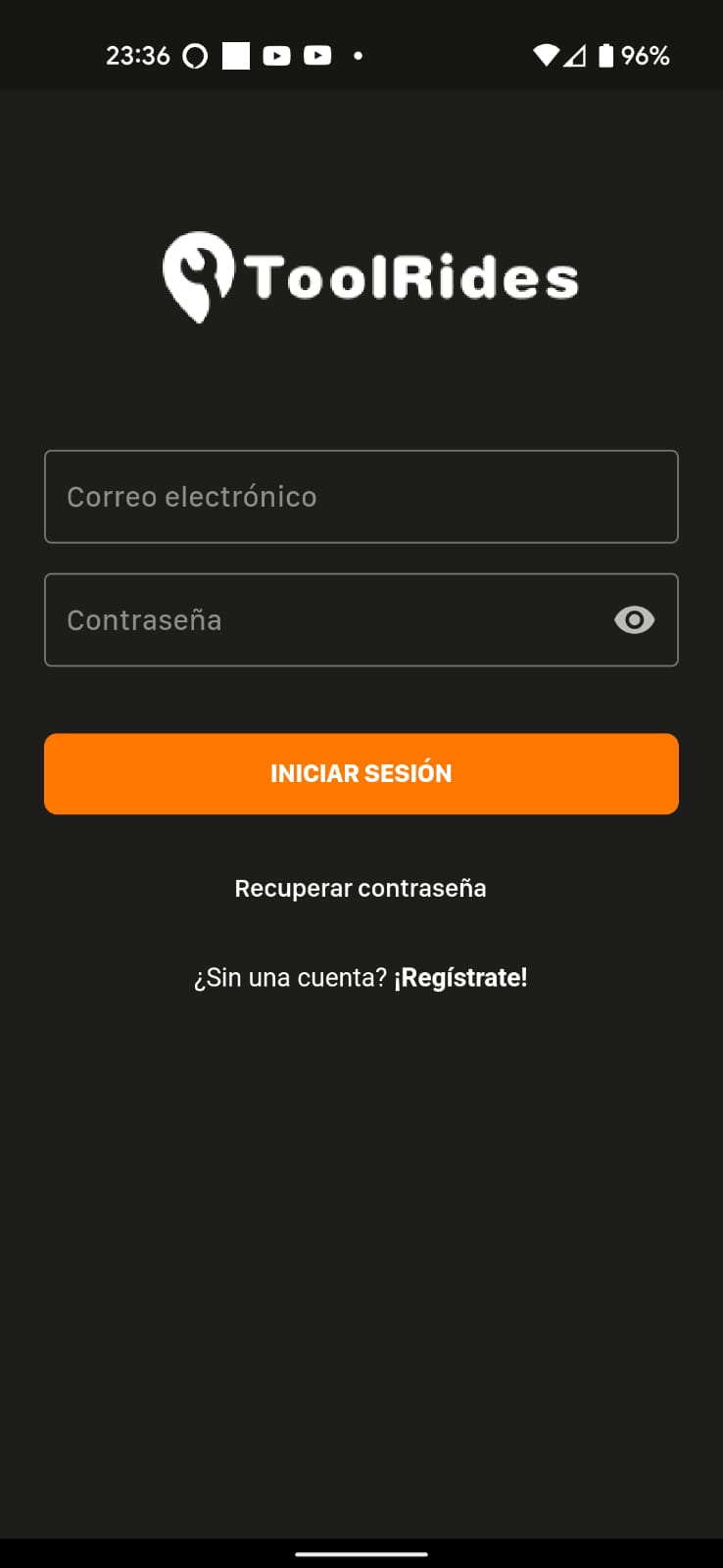
When you open the app for the first time, you first need to register as a driver by tapping the "Sign up!" button at the bottom.
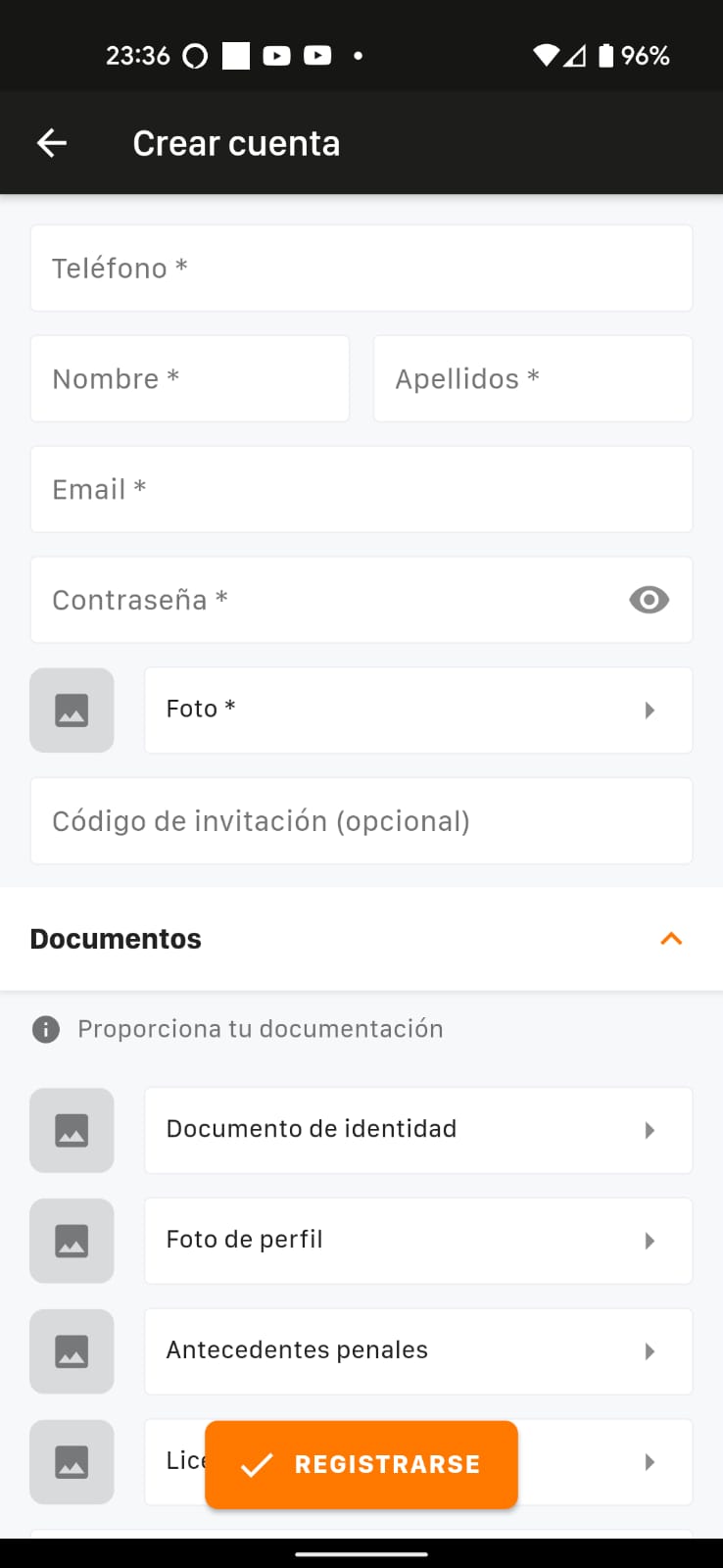
Driver Details
In the driver registration, the app first asks for a few required fields. The fields below can be customized from the web panel, where you can add, change, or remove the field types you need.
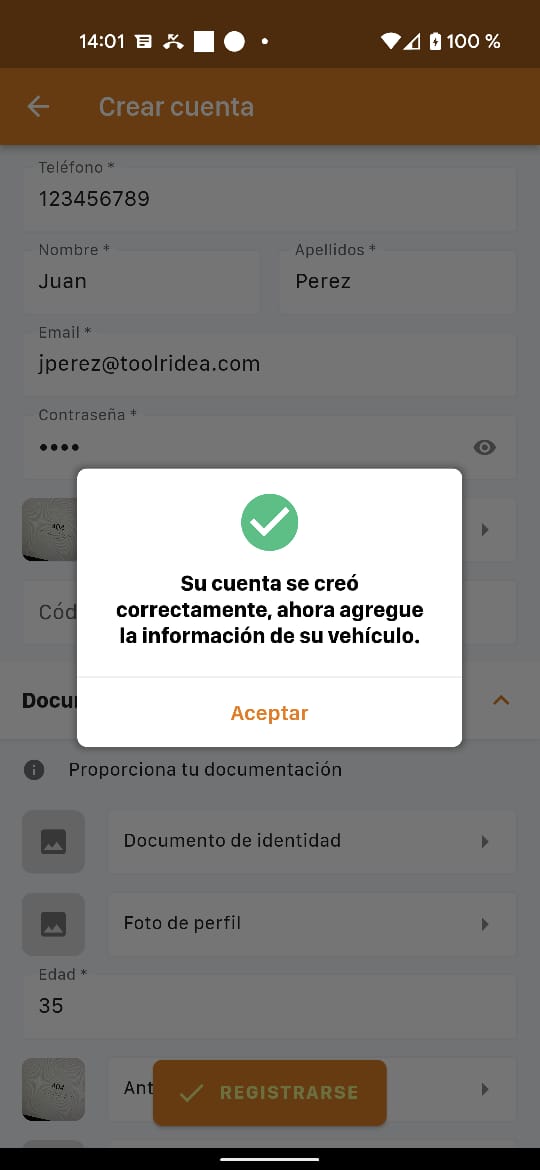
Once you've completed the driver details and tapped Sign up, if all the information is correct, the following message appears:
After completing the personal details, you can add the Vehicle details so they can be reviewed and approved from the Web Panel.
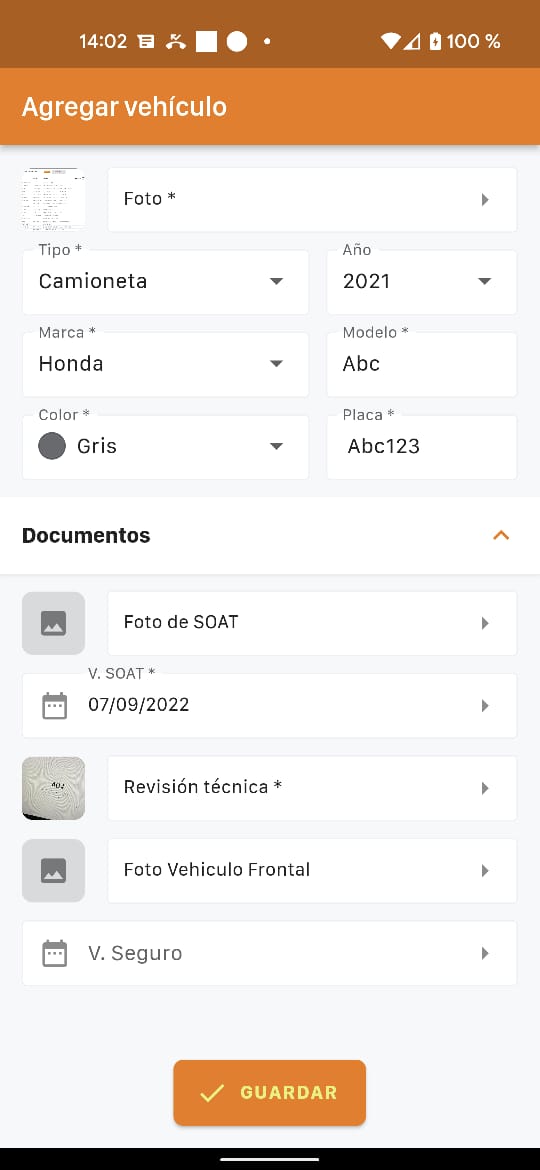
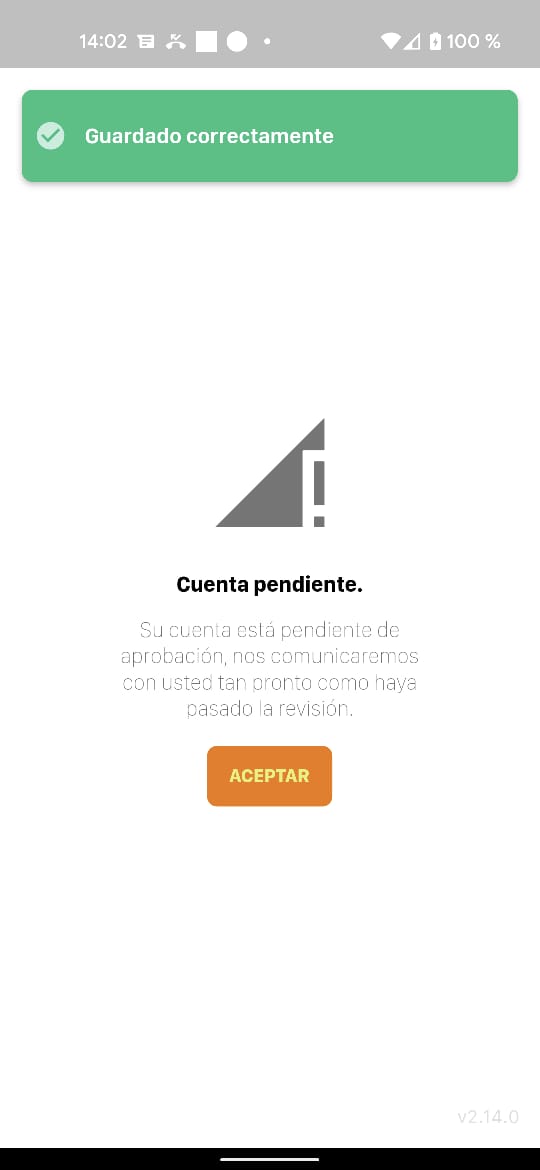
After completing the vehicle registration and tapping the SAVE button, the following screen appears, meaning an administrator now needs to review the information in the web panel and approve the registered driver and vehicle.
Was this article helpful?
Getting Started
- Driver Registration
- Sign In and Receive Trip Alerts
- Accepting On-Demand Trips - Driver App