
 Use cases
 Messaging
 Taxi Companies
 Private Transport
 Transportation Entrepreneurs
 Last Mile
 SuperApp
 Software
 Taxi dispatch
 Corporate transportation
 Auction
 Products
 Booking Software
 Dispatch Platform
 Driver App
 Passenger App
 Web Widget
 Functions
 Schedule & Booking
 Driver Management
 Custom
 Corporate Portal
 Security & Support
 Resources
 Learn
Learn



Activity report
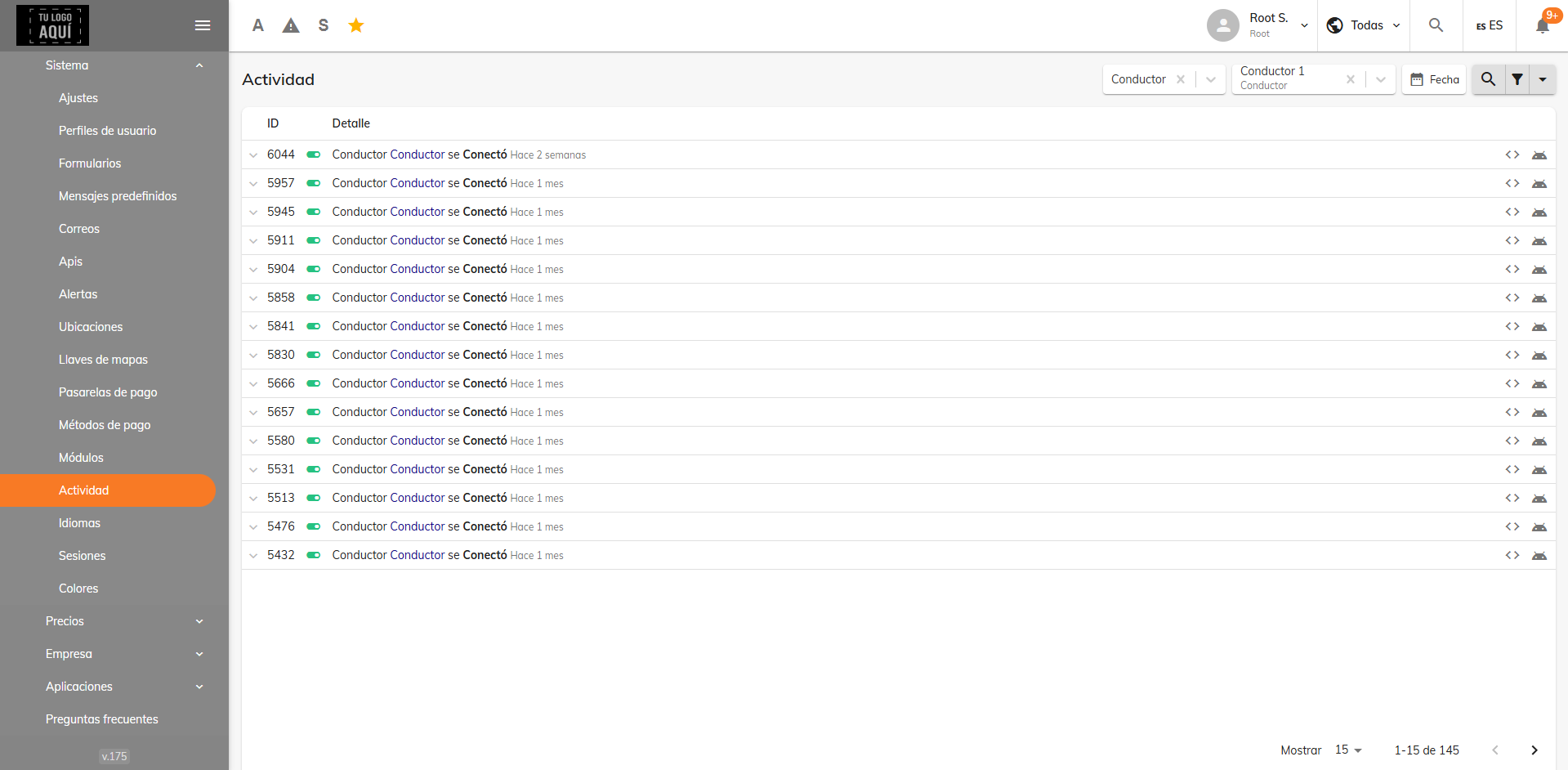
To generate a report of activity for specific users, follow the steps below.
Step 1
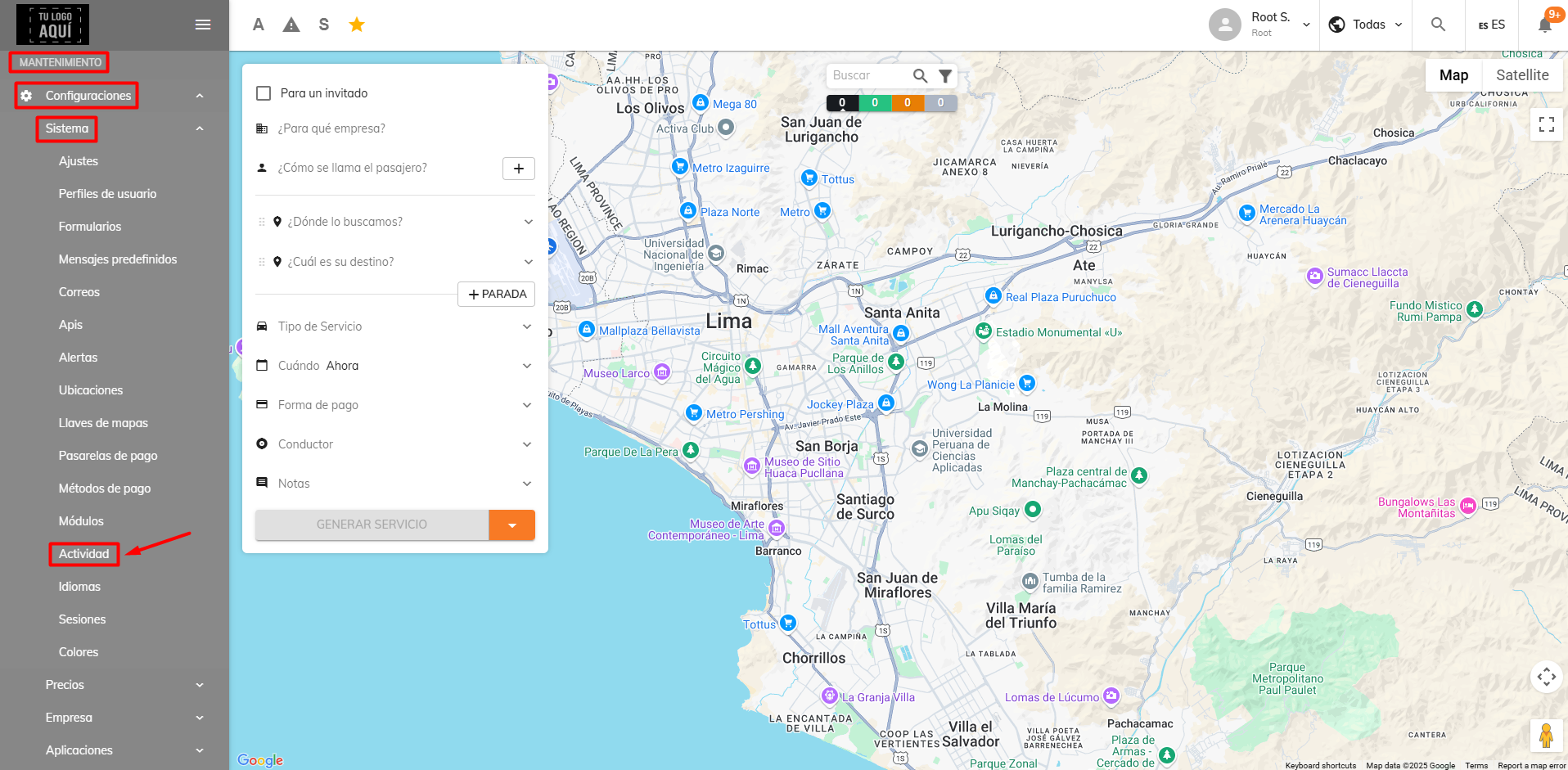
In the web panel, go to Maintenance > Settings > System > Activity.
Step 2
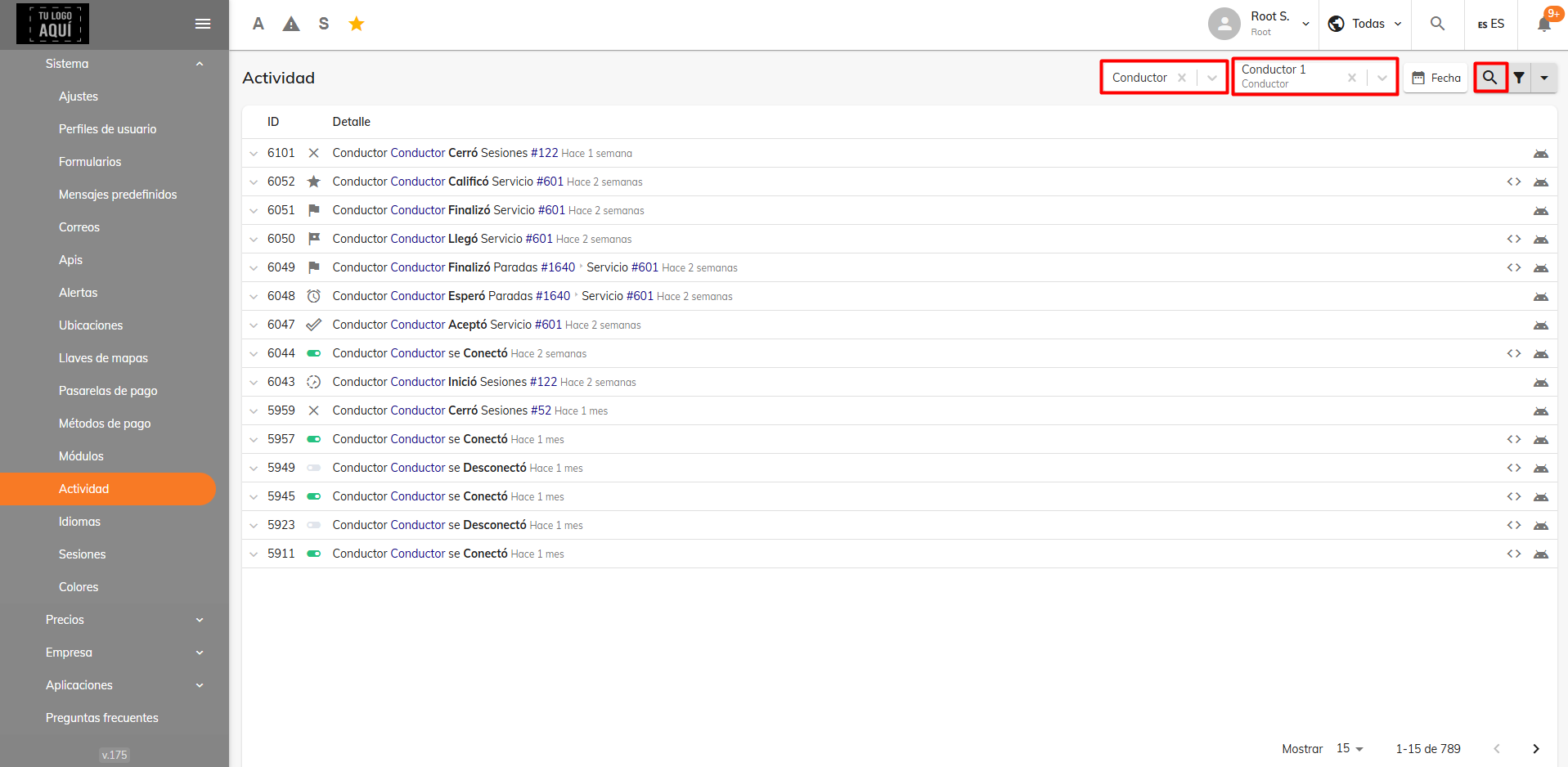
In the "Type" field, add a user profile; in the "Person" field, enter the name of the user you want a report for.
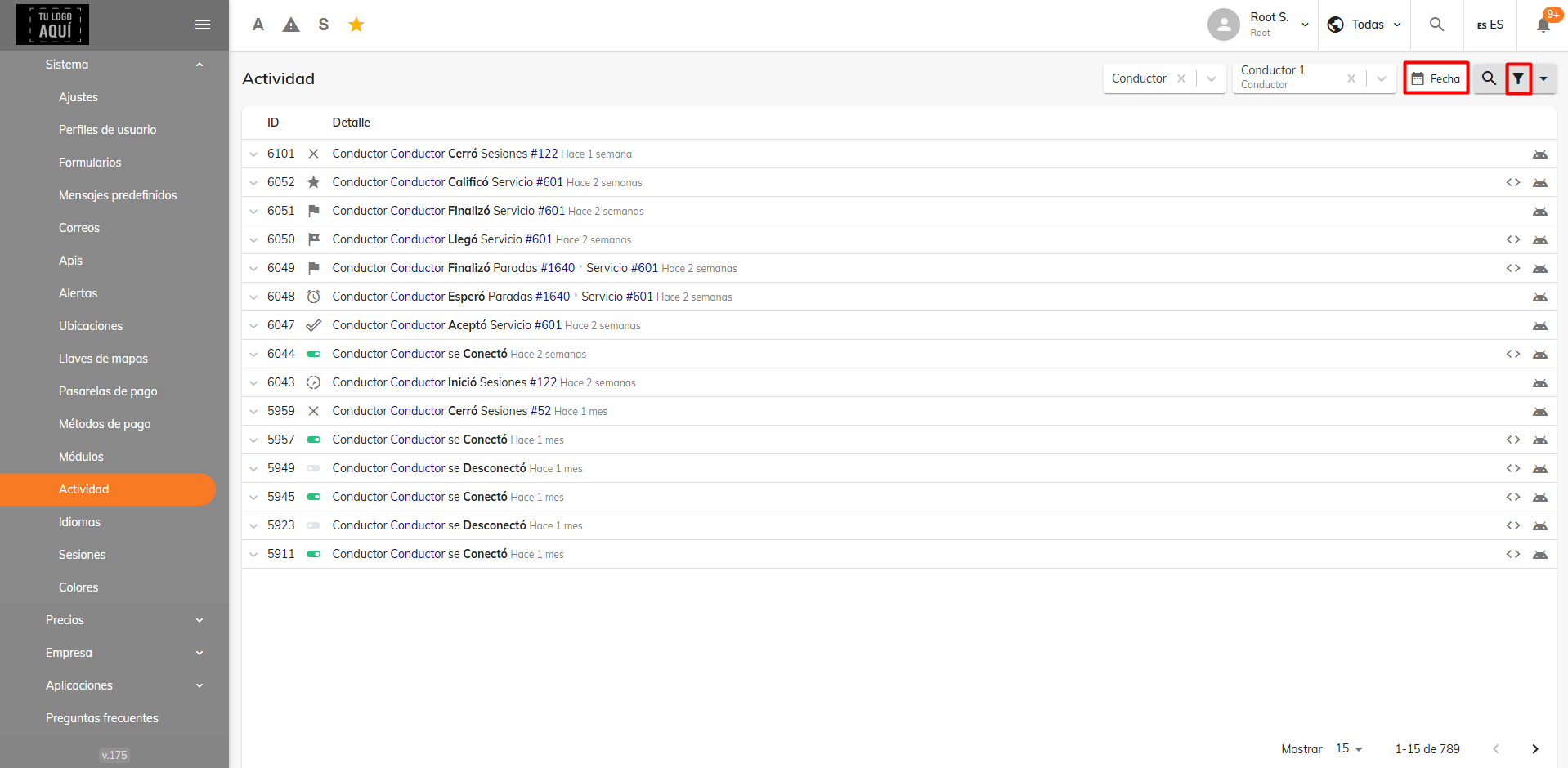
You can also narrow results by a single date or a date range, and use advanced search via the funnel icon in the top-right corner of the page to pinpoint a specific activity.
With advanced search, for example, in the “Action” field you can select the “Connected” option.
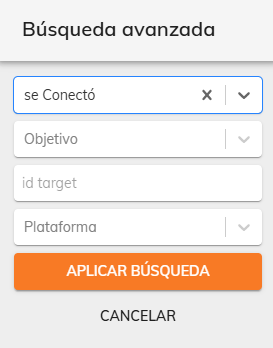
This filters the times the driver connected to the app. On the right side of each record, it shows that the connection was, in this case, from the Android operating system.
Was this article helpful?
Reports
- Revenue Summary report
- Service or Trip History Report
- Activity report