
 Use cases
 Messaging
 Taxi Companies
 Private Transport
 Transportation Entrepreneurs
 Last Mile
 SuperApp
 Software
 Taxi dispatch
 Corporate transportation
 Auction
 Products
 Booking Software
 Dispatch Platform
 Driver App
 Passenger App
 Web Widget
 Functions
 Schedule & Booking
 Driver Management
 Custom
 Corporate Portal
 Security & Support
 Resources
 Learn
Learn



Customize your company information
From this section you can customize your company details and the location used for address lookups.
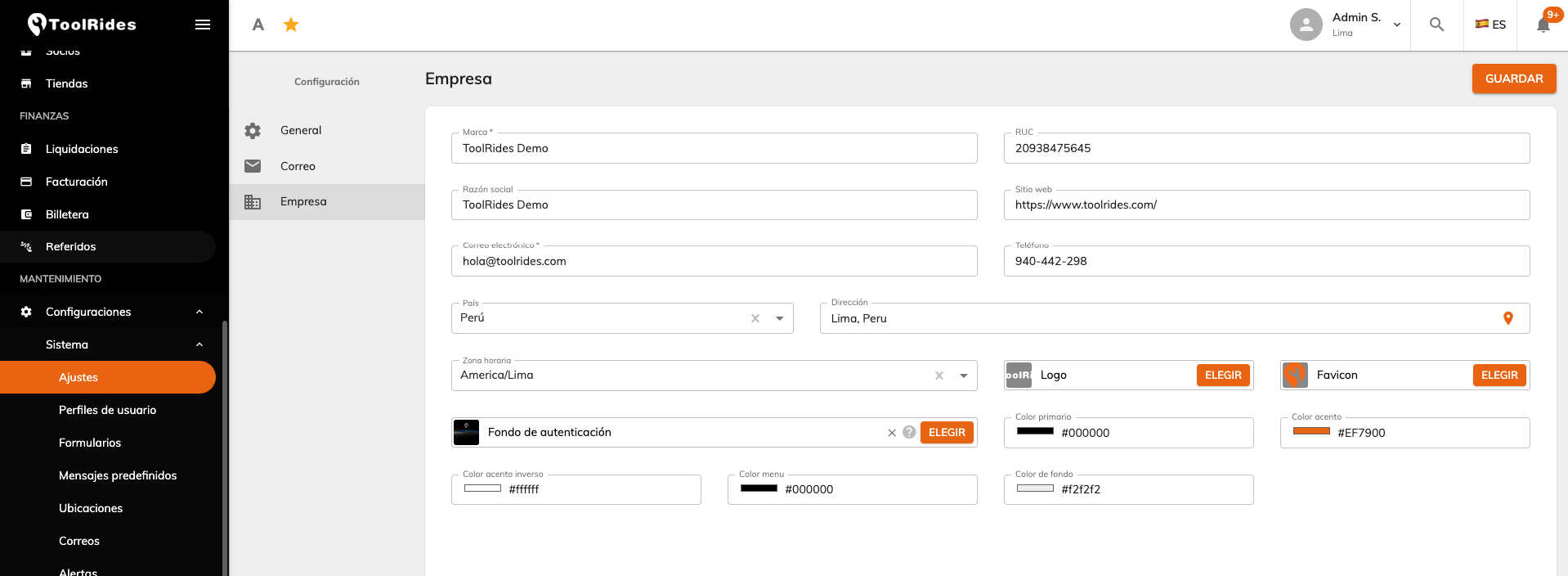
- Brand: the name of your app.
- Tax ID: your company's registration number in your country.
- Legal name: your company's registered business name.
- Website: enter the link to your website here.
- Email: the email shown in the footer of your email messages so customers can reach you.
- Phone: this information also appears at the bottom of the email messages you send.
- Country: the country where the platform will operate.
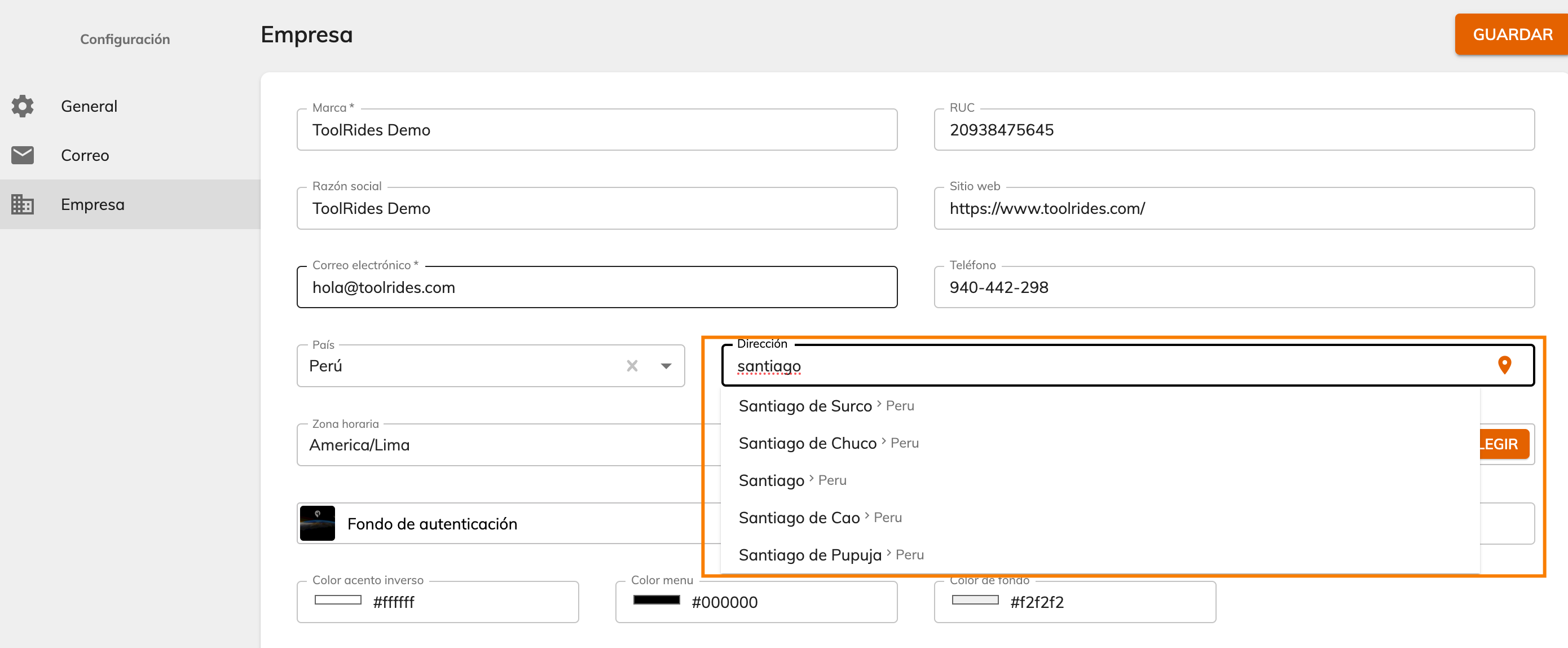
- Address: you can autocomplete the real address with Google Maps and geolocate it using the location icon.
Once you set the address, the dispatcher will be centered on that same location.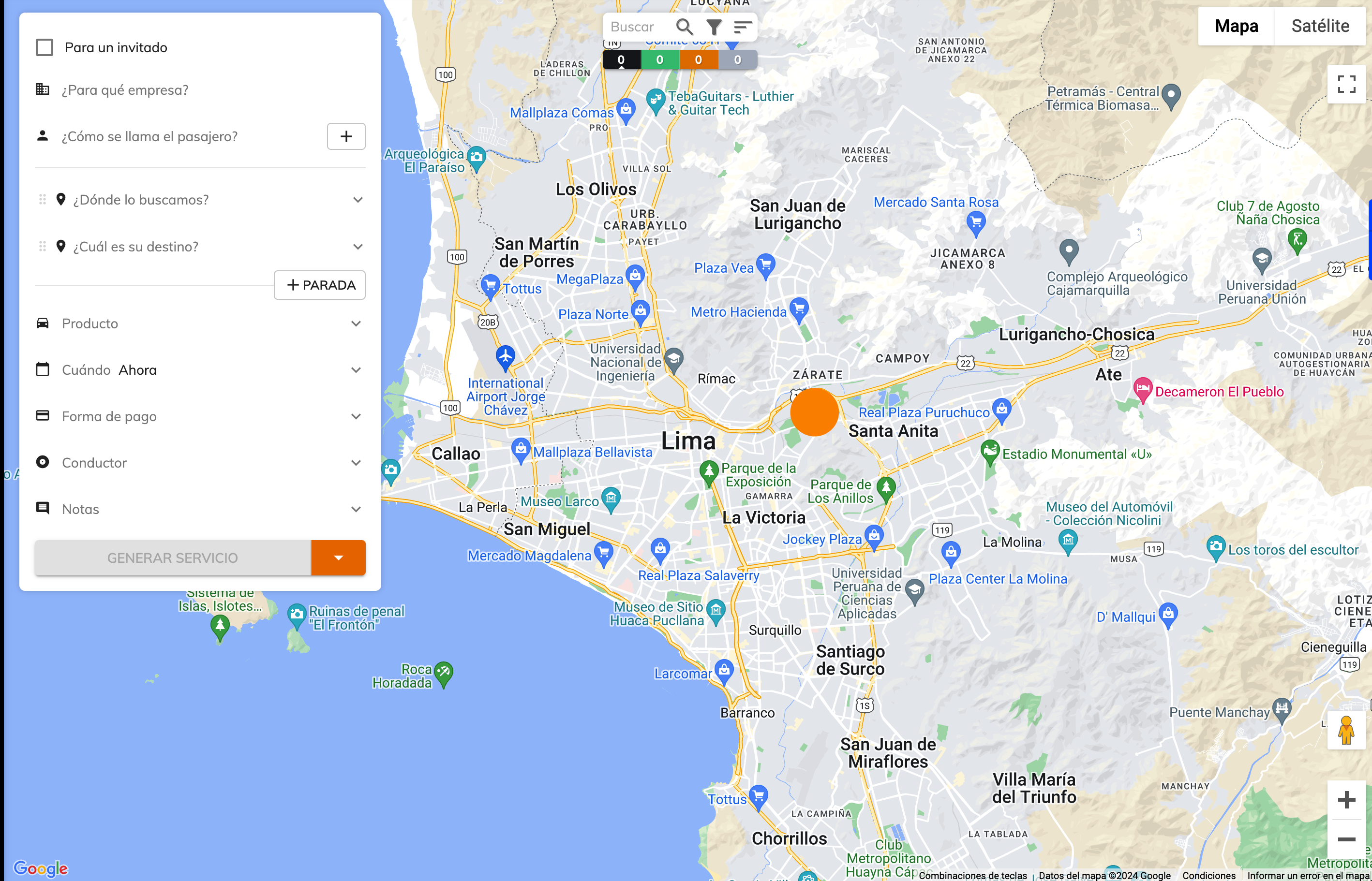
- Time zone: this field is used to convert all dates to your local time.
- Logo: upload your company logo here to brand your platform.
- Favicon: the icon shown in browsers when accessing the dispatcher.
- Colors:

Was this article helpful?
Getting Started
- General Settings
- Customize your company information
- Create branches and assign rate tables by service type and company
- Setting up a distance-based fare (price per KM)
- Tolls (Tags): Setting Up Zones and Pricing
- Setting up zone-based pricing
- Setting up service types
- Trip grouping settings
- Configure your time settings in the panel