
 Use cases
 Messaging
 Taxi Companies
 Private Transport
 Transportation Entrepreneurs
 Last Mile
 SuperApp
 Software
 Taxi dispatch
 Corporate transportation
 Auction
 Products
 Booking Software
 Dispatch Platform
 Driver App
 Passenger App
 Web Widget
 Functions
 Schedule & Booking
 Driver Management
 Custom
 Corporate Portal
 Security & Support
 Resources
 Learn
Learn



Bulk notifications
Bulk notifications let you send messages through the various channels integrated into our platform. You can send them to passengers, drivers, and administrators alike.
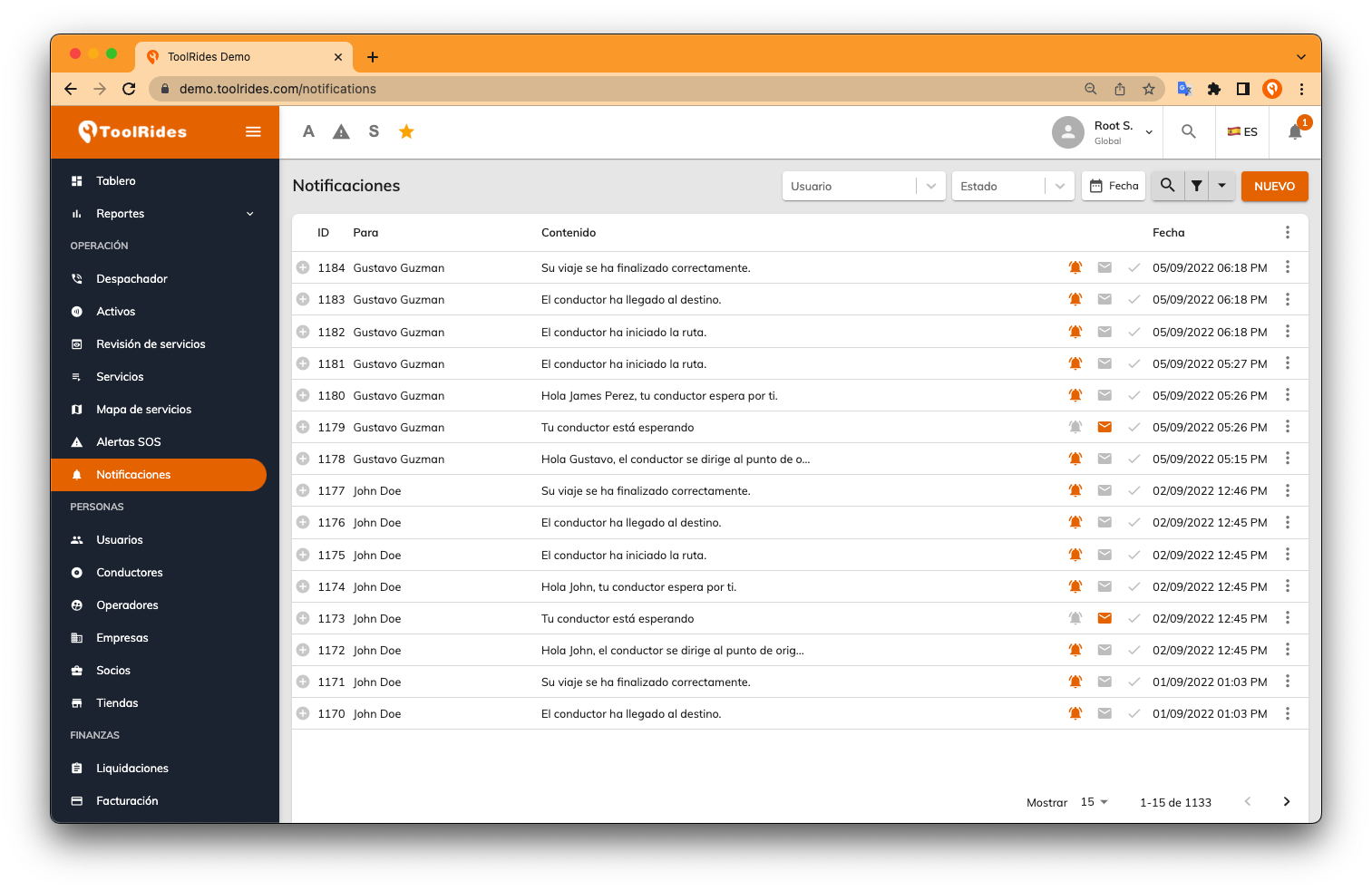
In the Operations module, go to Notifications and create one by clicking the "New" button. In the form that appears next, you can choose which type of recipients you want to message, such as operators, users, or drivers. Once you pick one, the filters adjust based on the recipient type.
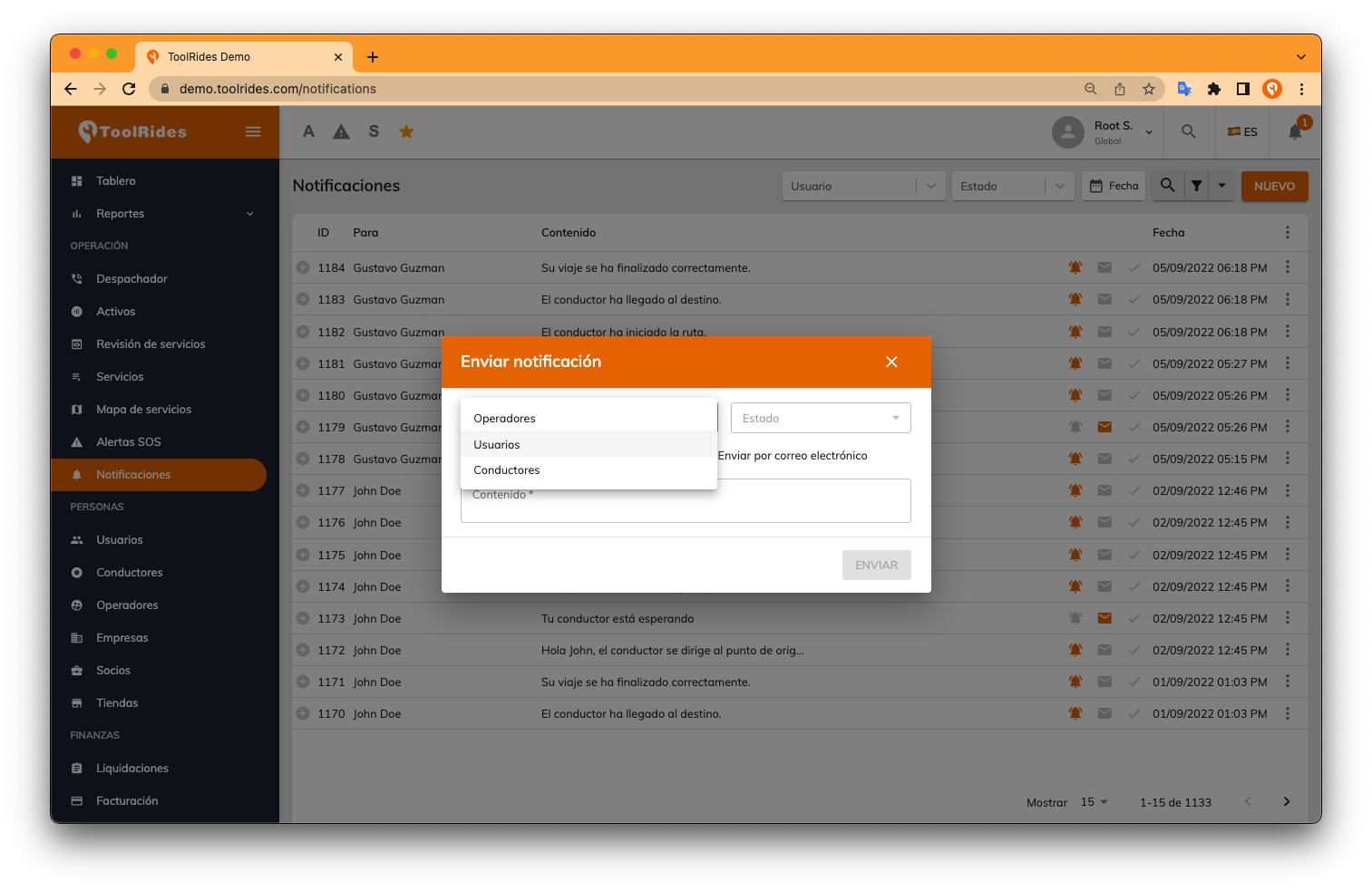
Once you've set the filters, you can write the message you want to send and then click the SEND button.
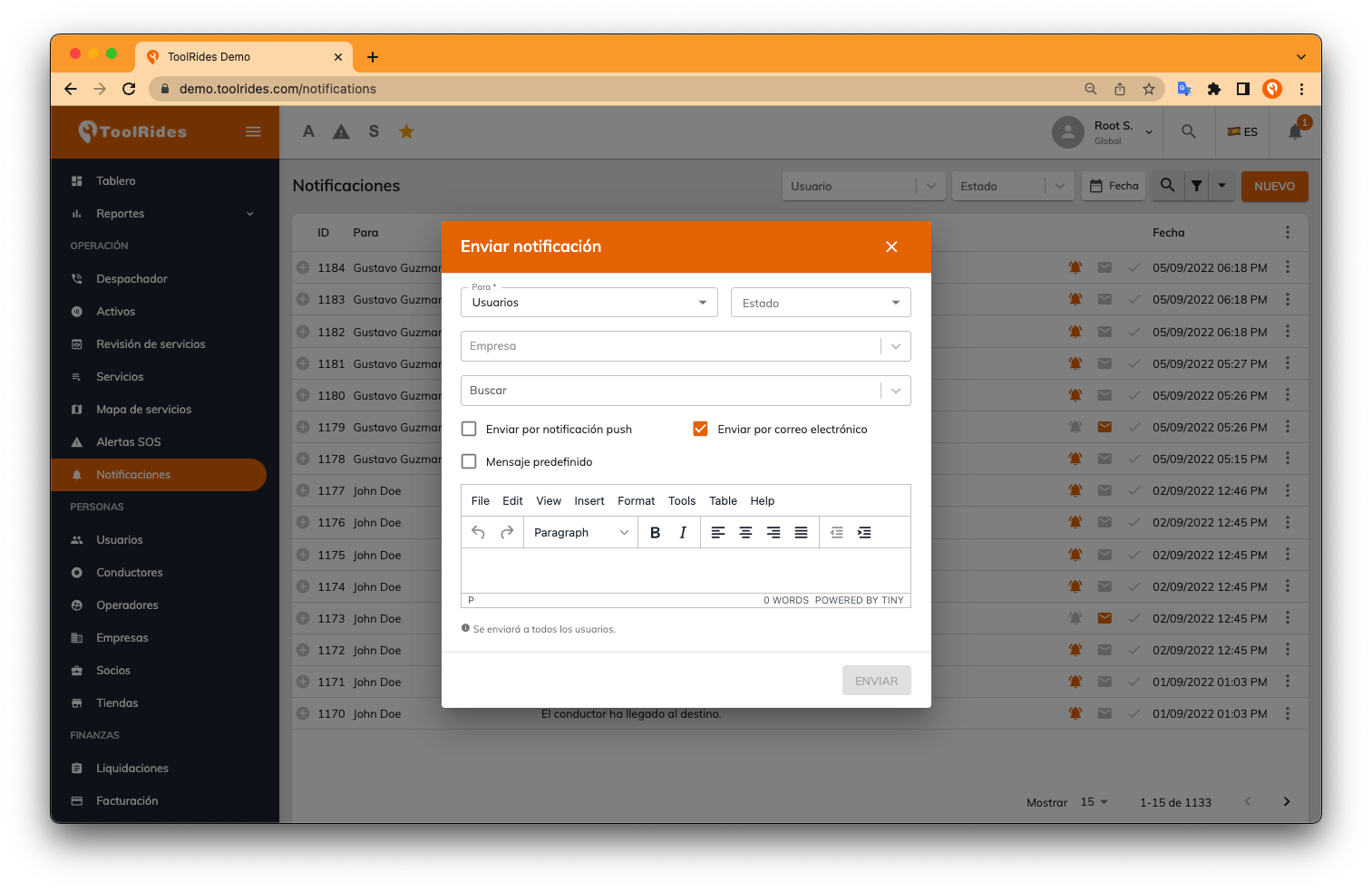
If you leave the "Search" field empty, the message will be sent in bulk to every user with that profile (operators, users, or drivers). If, on the other hand, you want to send it to specific people, just add their name or names in the "Search" field.
Was this article helpful?