
 Use cases
 Messaging
 Taxi Companies
 Private Transport
 Transportation Entrepreneurs
 Last Mile
 SuperApp
 Software
 Taxi dispatch
 Corporate transportation
 Auction
 Products
 Booking Software
 Dispatch Platform
 Driver App
 Passenger App
 Web Widget
 Functions
 Schedule & Booking
 Driver Management
 Custom
 Corporate Portal
 Security & Support
 Resources
 Learn
Learn



Icon List for the Web Panel
You can browse the list of icons available for the web panel at this link: https://fonts.google.com/icons
When you open it, select the icon you want to use. Then, under "Icon Name", click "Copy Code".
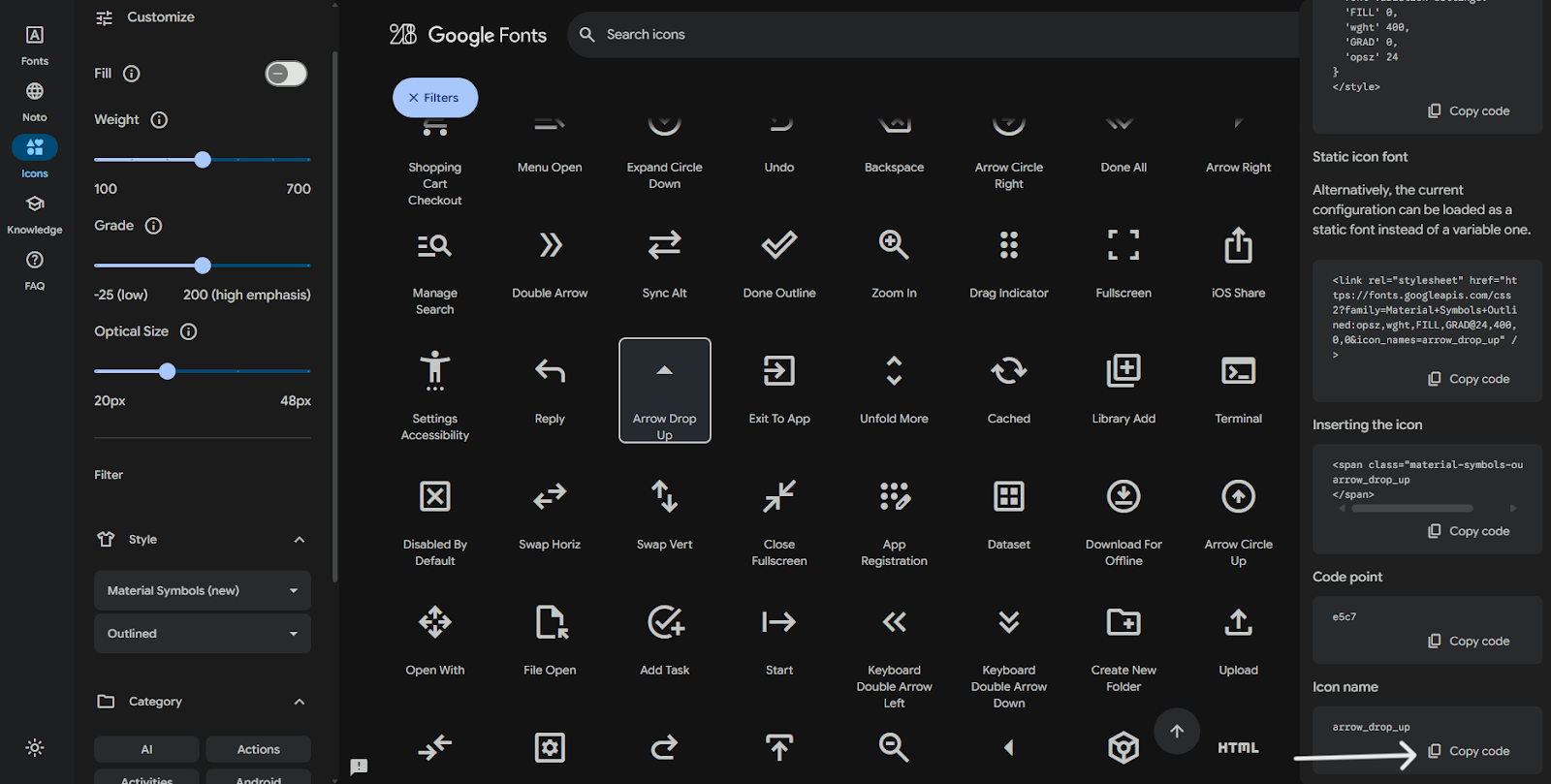
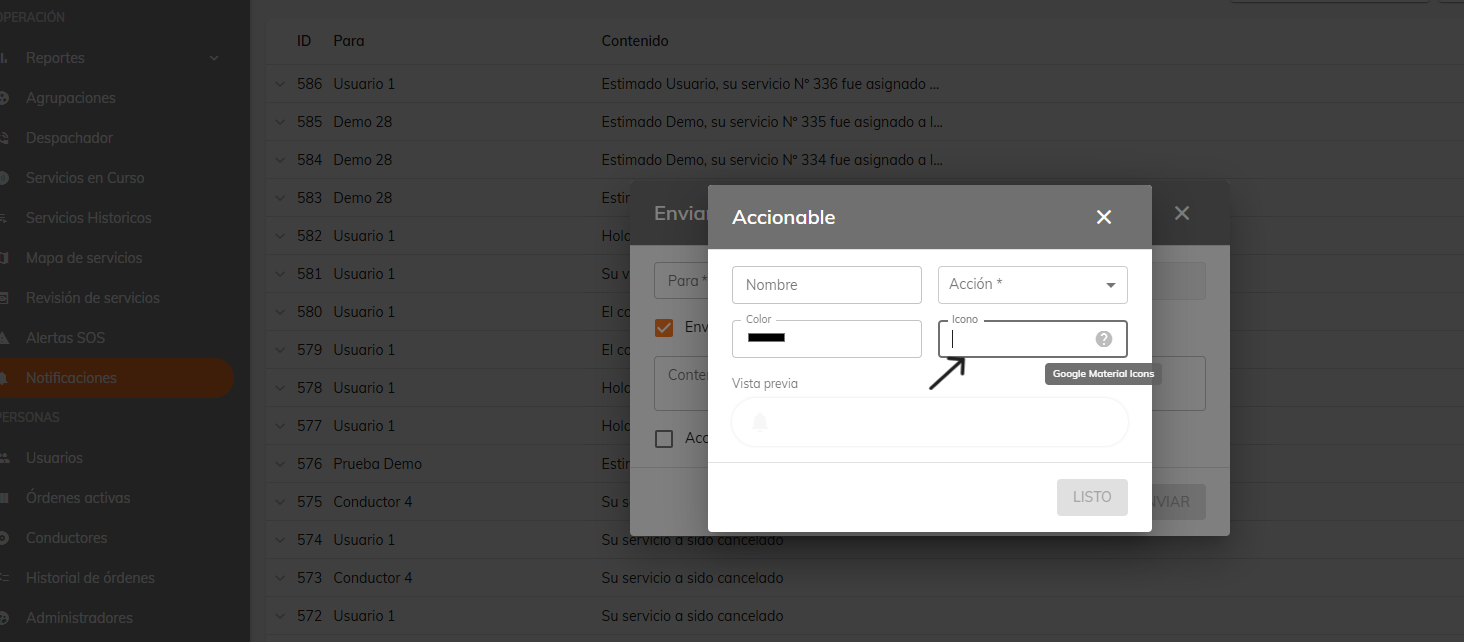
That is the text you need to paste where it says "Icon".
Was this article helpful?