
 Use cases
 Messaging
 Taxi Companies
 Private Transport
 Transportation Entrepreneurs
 Last Mile
 SuperApp
 Software
 Taxi dispatch
 Corporate transportation
 Auction
 Products
 Booking Software
 Dispatch Platform
 Driver App
 Passenger App
 Web Widget
 Functions
 Schedule & Booking
 Driver Management
 Custom
 Corporate Portal
 Security & Support
 Resources
 Learn
Learn



Tracking option for connected drivers
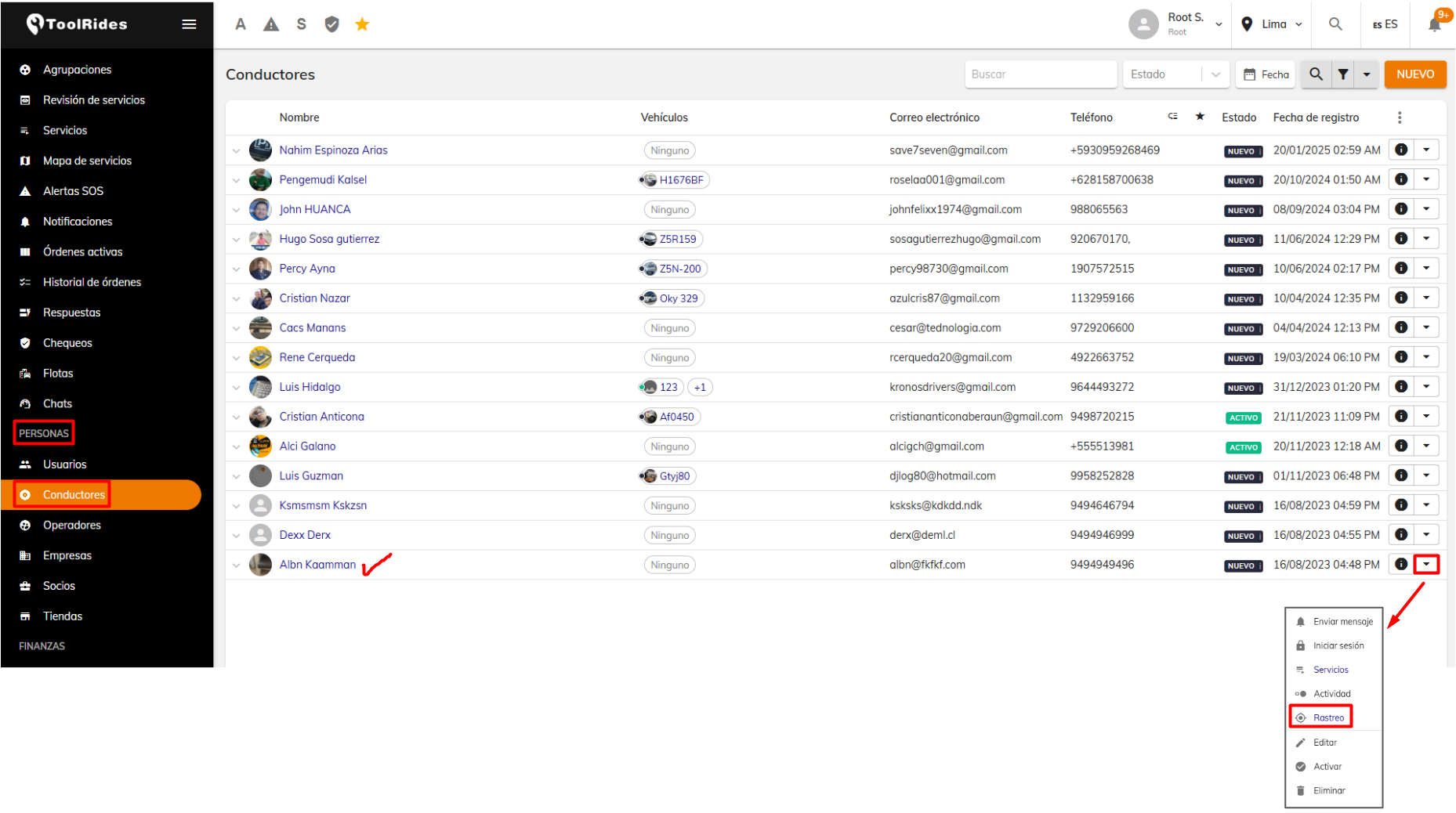
To review the route drivers take on a given date or date range—both while completing services and while simply connected to their app and driving—you can use the driver tracking option. To do this, go to the People > Drivers module. Then find the driver you want to track and click the down arrow to select the Tracking option.
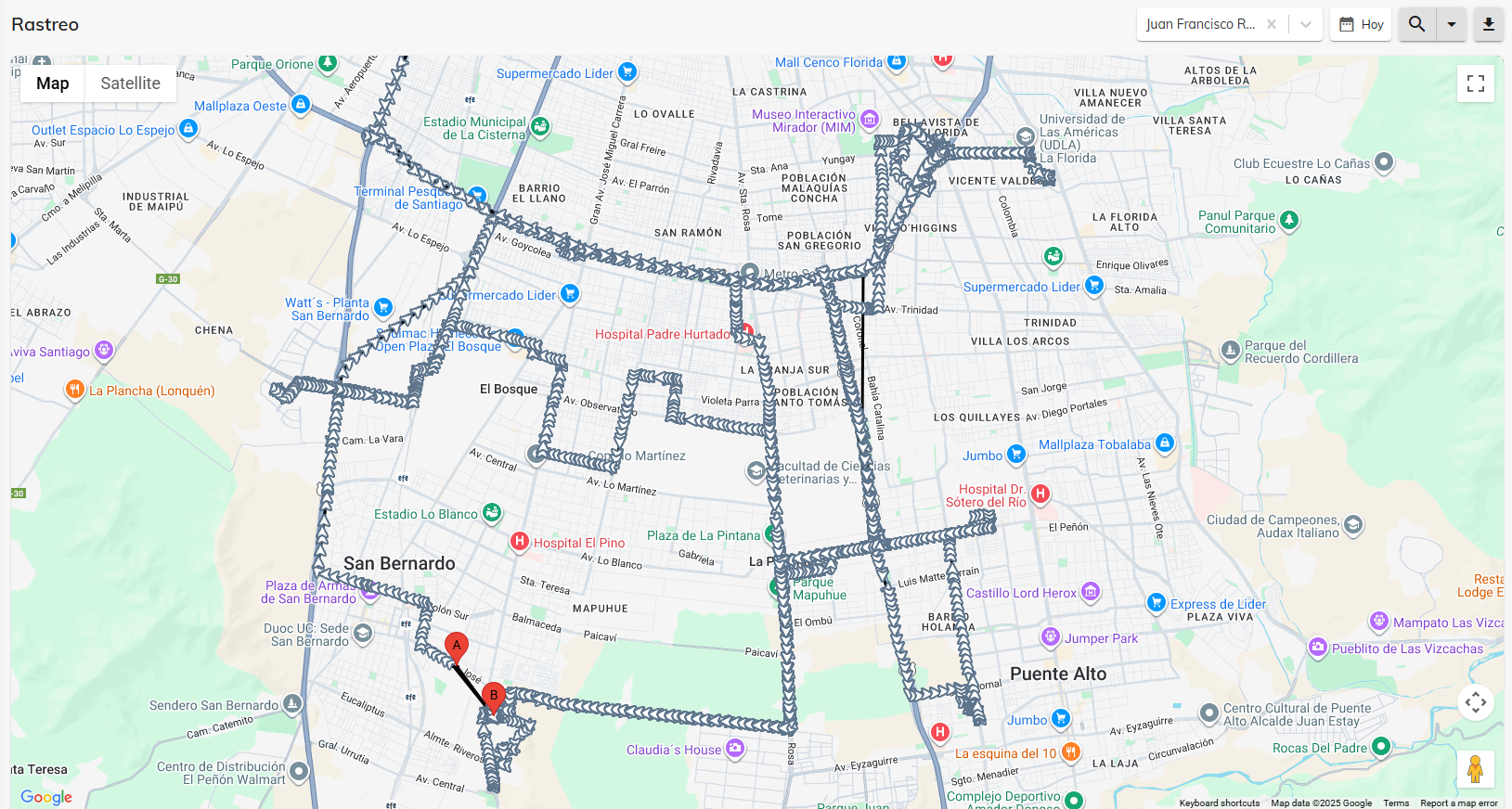
You can set the date. In this example, today's date has been selected; then click the magnifying glass on the right. This shows the route taken by the selected driver on that date while connected to the driver app.
Was this article helpful?