
 Use cases
 Messaging
 Taxi Companies
 Private Transport
 Transportation Entrepreneurs
 Last Mile
 SuperApp
 Software
 Taxi dispatch
 Corporate transportation
 Auction
 Products
 Booking Software
 Dispatch Platform
 Driver App
 Passenger App
 Web Widget
 Functions
 Schedule & Booking
 Driver Management
 Custom
 Corporate Portal
 Security & Support
 Resources
 Learn
Learn



LabsMobile integration: SMS verification for user registration
This integration with LabsMobile adds a text-message verification step (Short Message Service, SMS) to user registration in the apps.
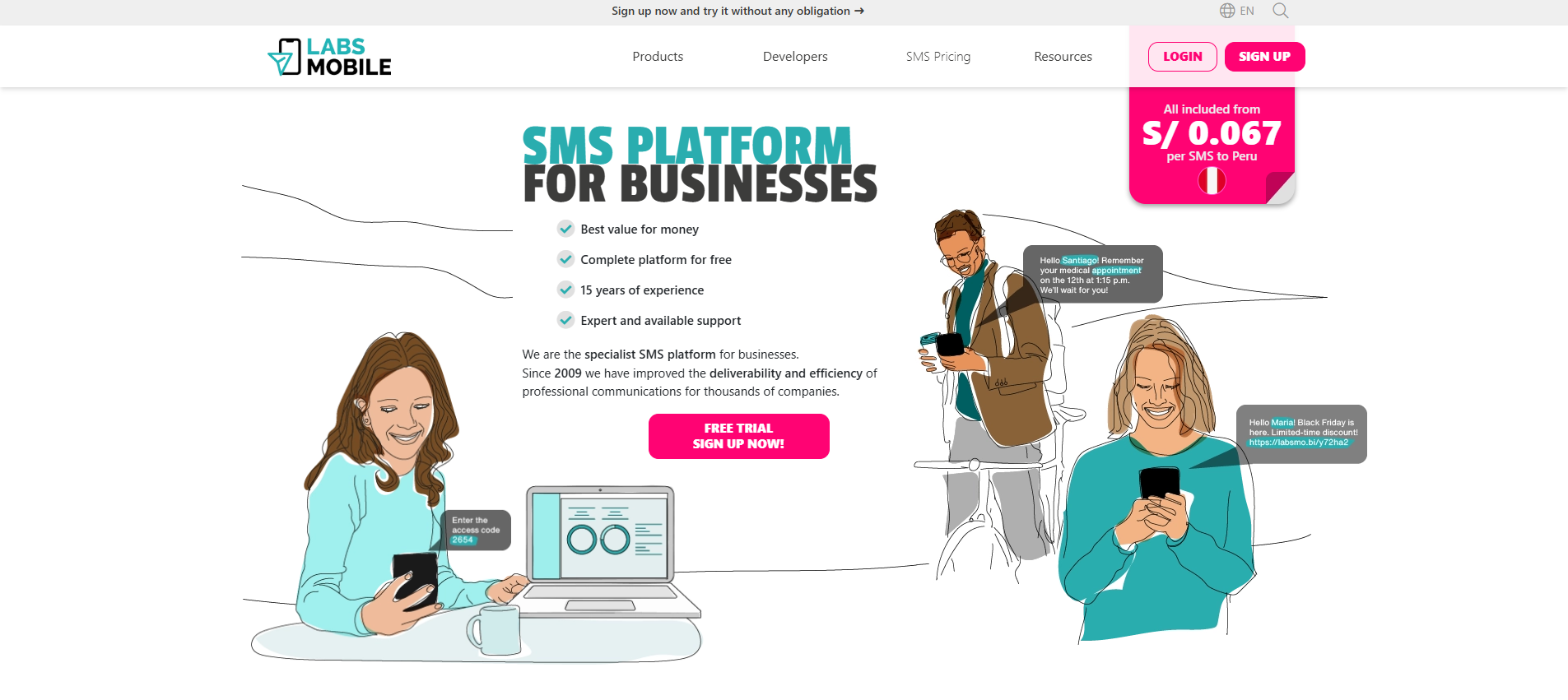
Step 1
Create an account with a corporate email on the LabsMobile website https://www.labsmobile.com/ and accept the privacy policy and terms of service.
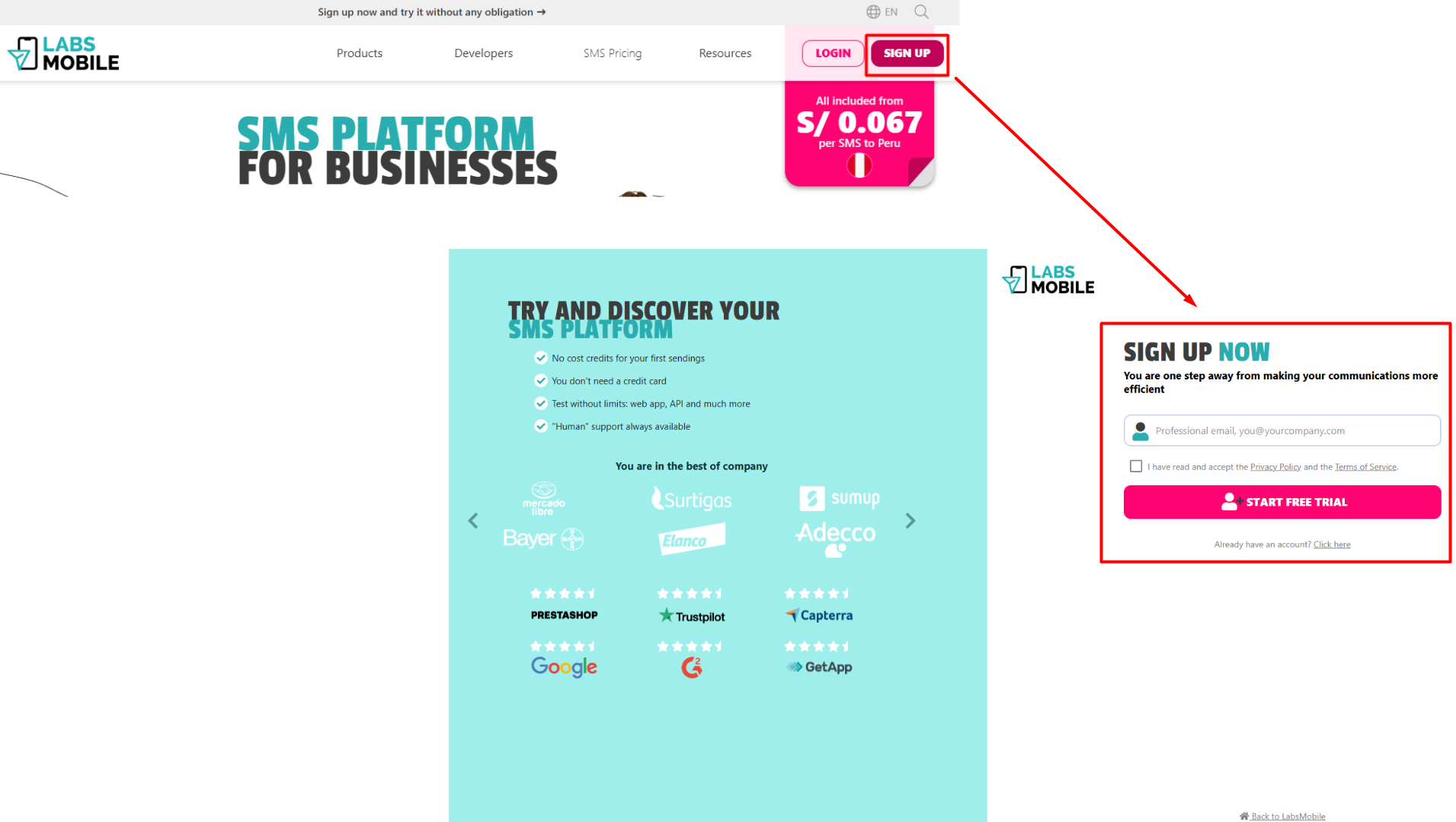
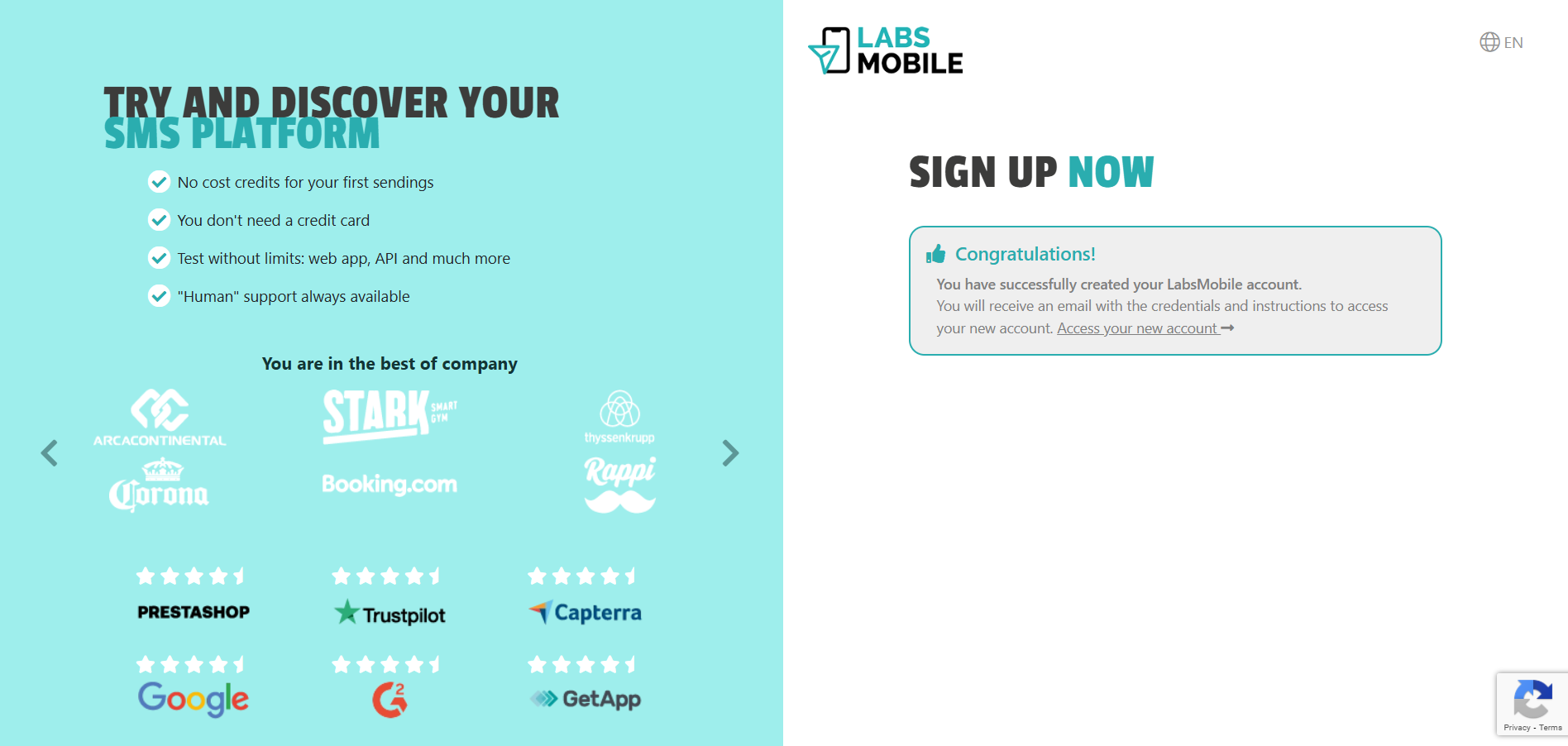
A confirmation message should appear:
Step 2
Check your corporate email for a welcome message from LabsMobile with your login credentials.
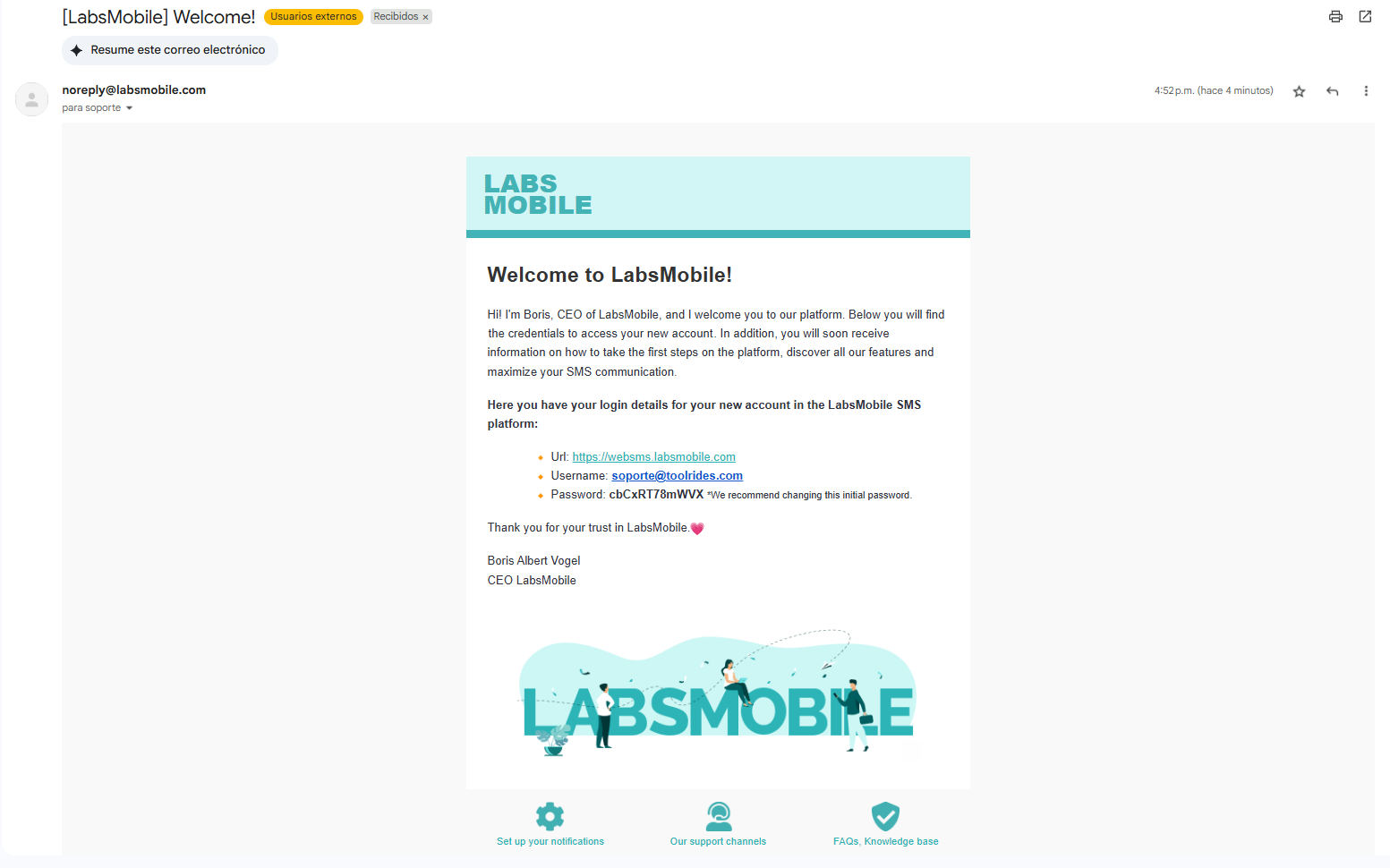
Step 3
Log in to https://websms.labsmobile.com with your login credentials.
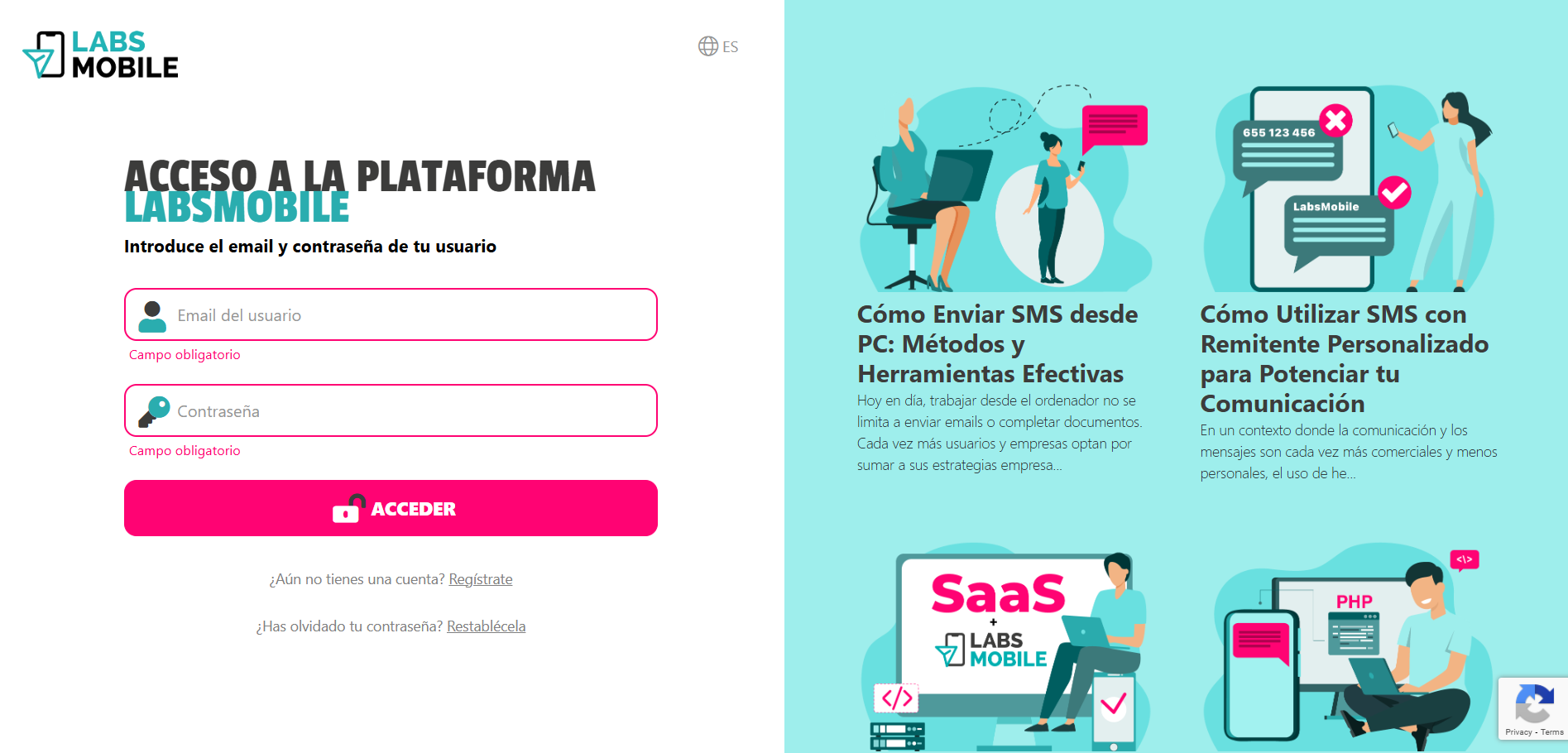
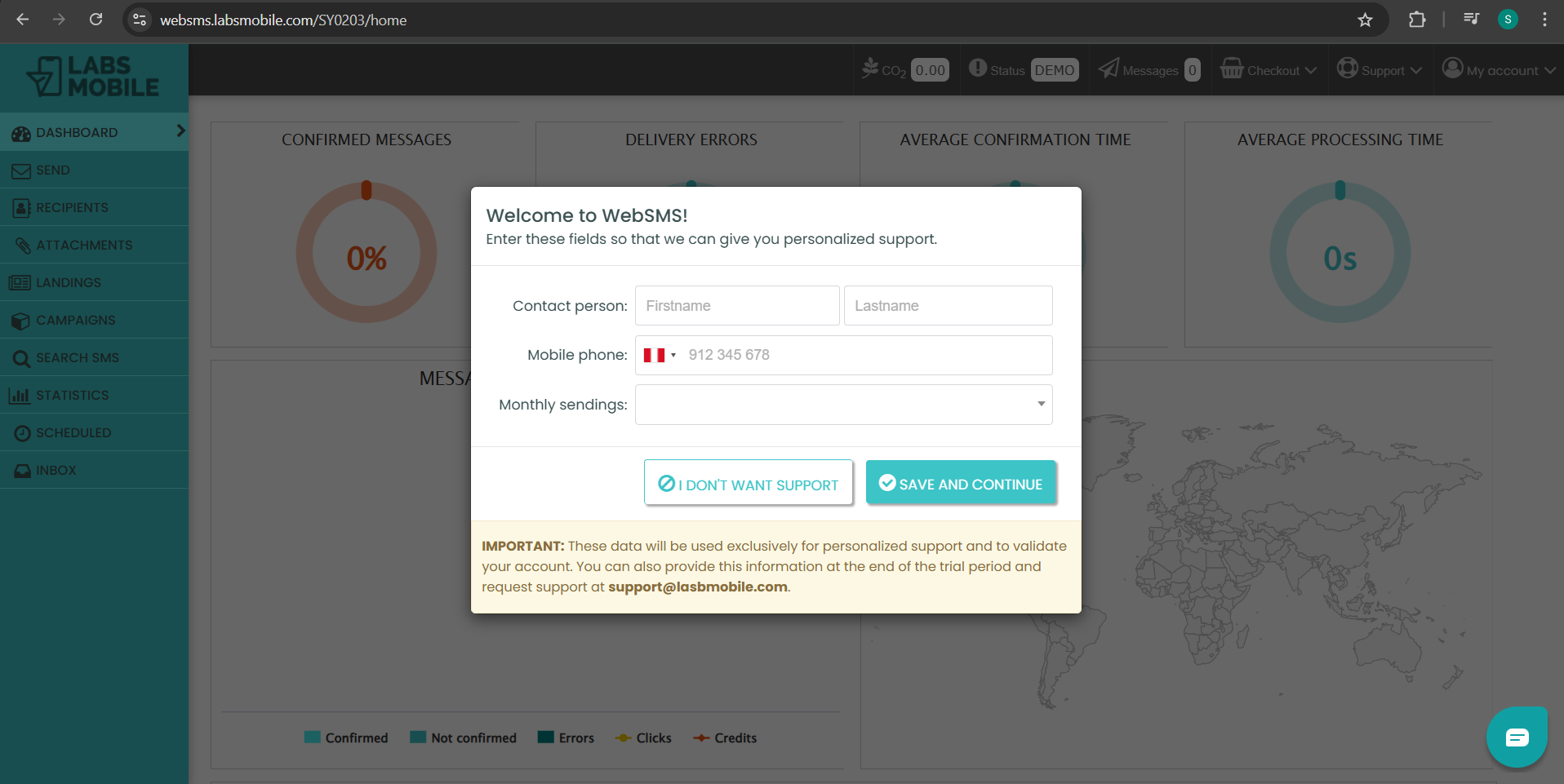
Step 4
Enter your contact details to get personalized help from LabsMobile.
Step 5
Go to the Status field in the top right to review and enter the information LabsMobile requires to start the purchase process.
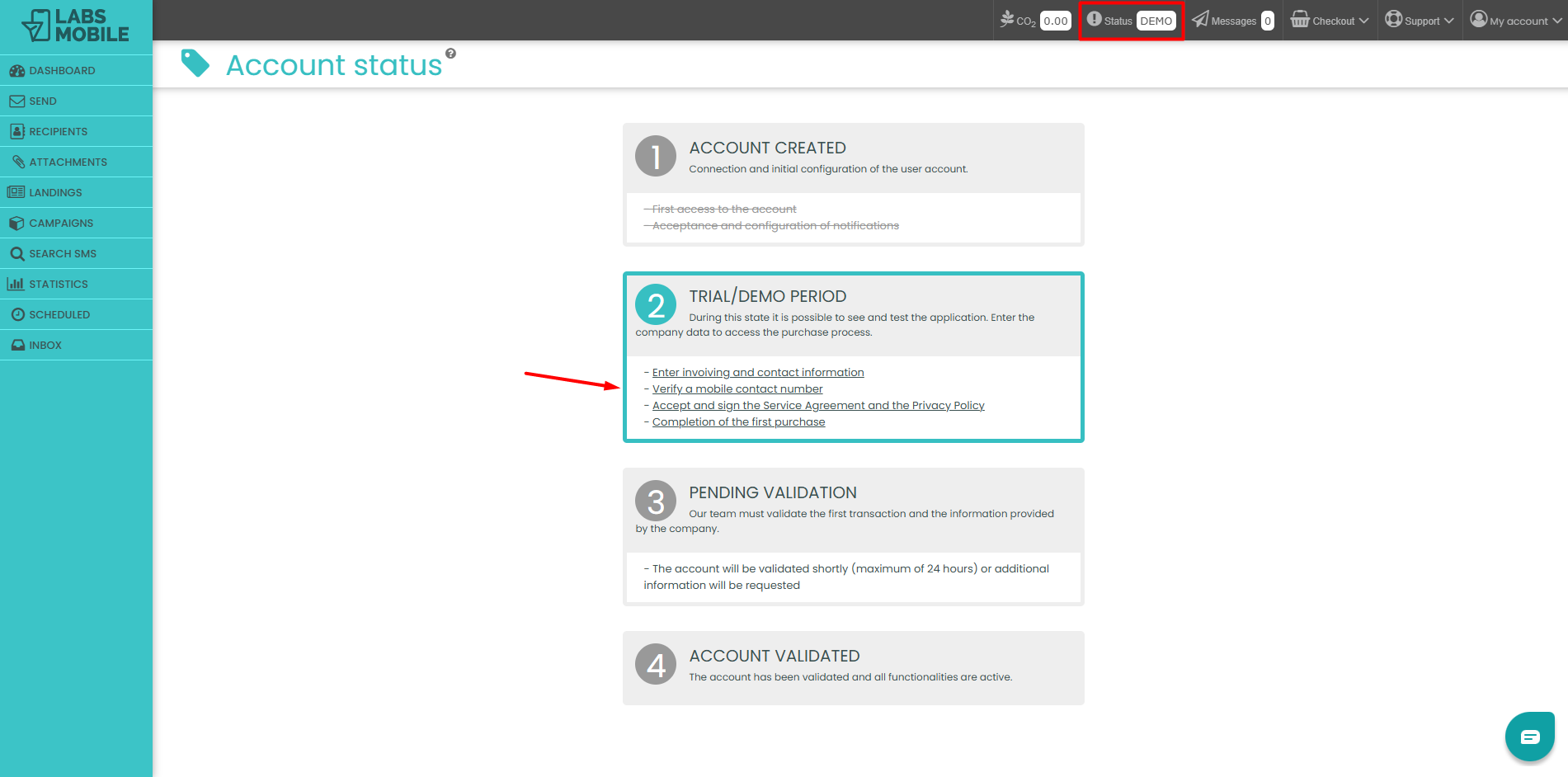
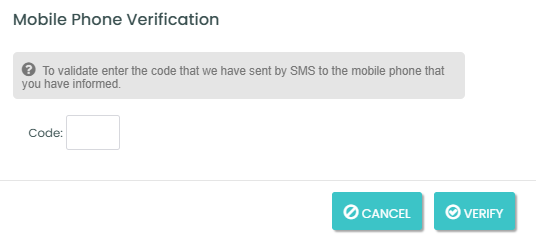
Once the billing and contact details are completed, you must enter a mobile phone verification code:
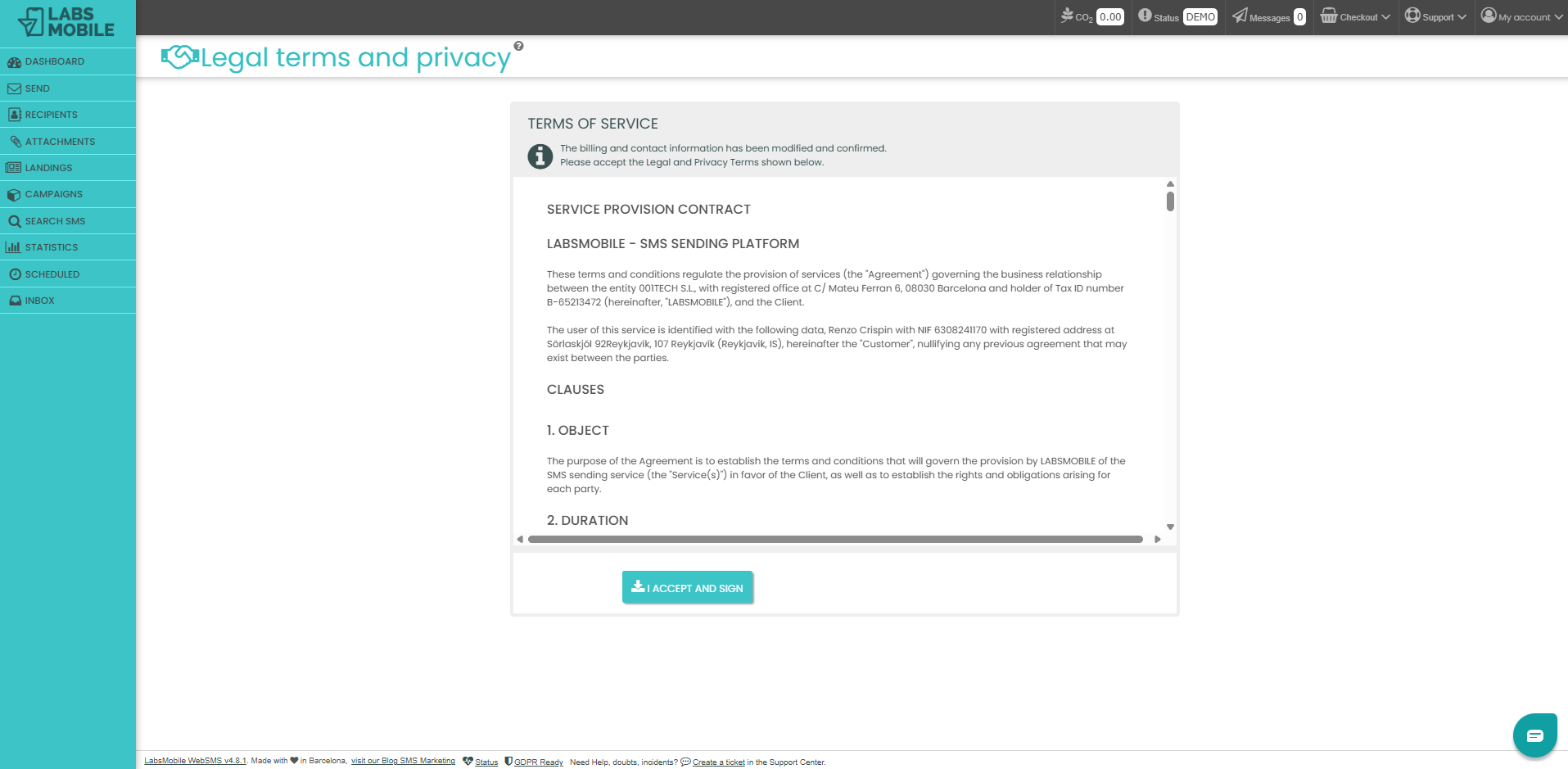
 After entering that code, you must accept the terms of service:
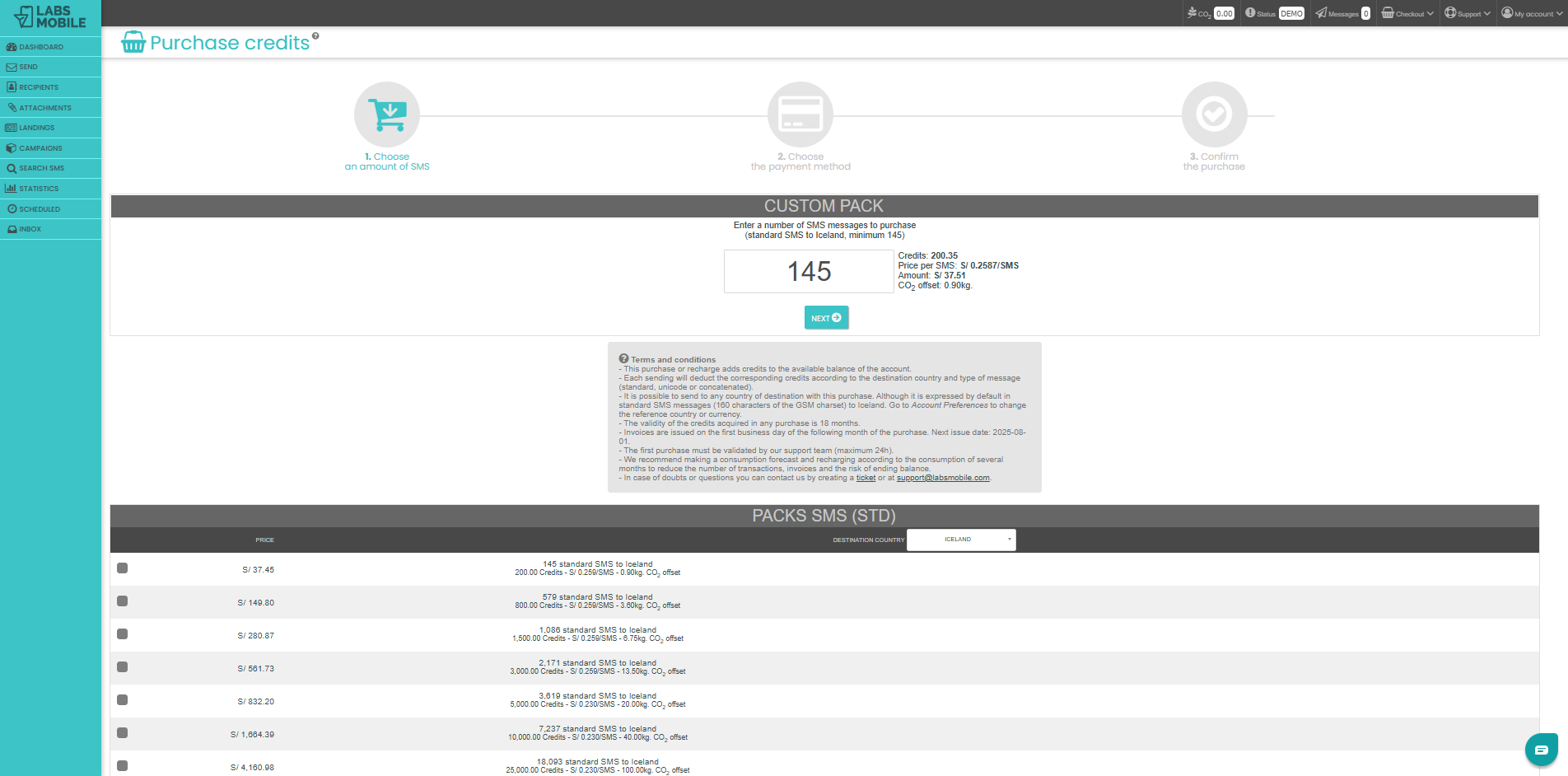
Next, you need to complete your first purchase.
Step 6
Wait for LabsMobile to validate the company details you registered. This step takes up to 24 hours.
Step 7
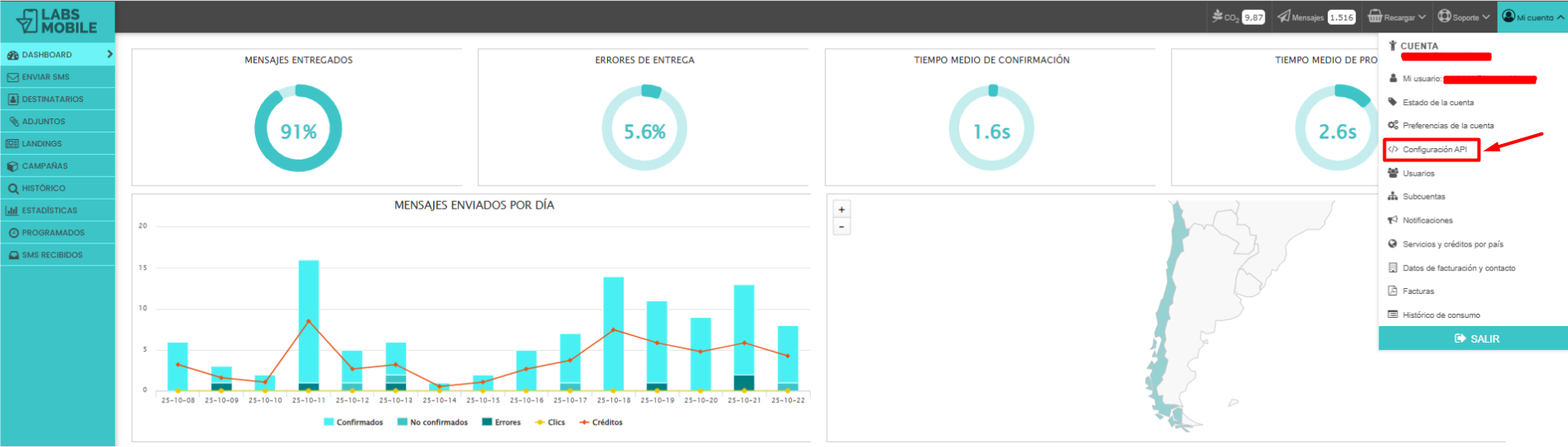
Go to the "My Account" option in the top right and select "API Settings".
Create an API token and copy it.
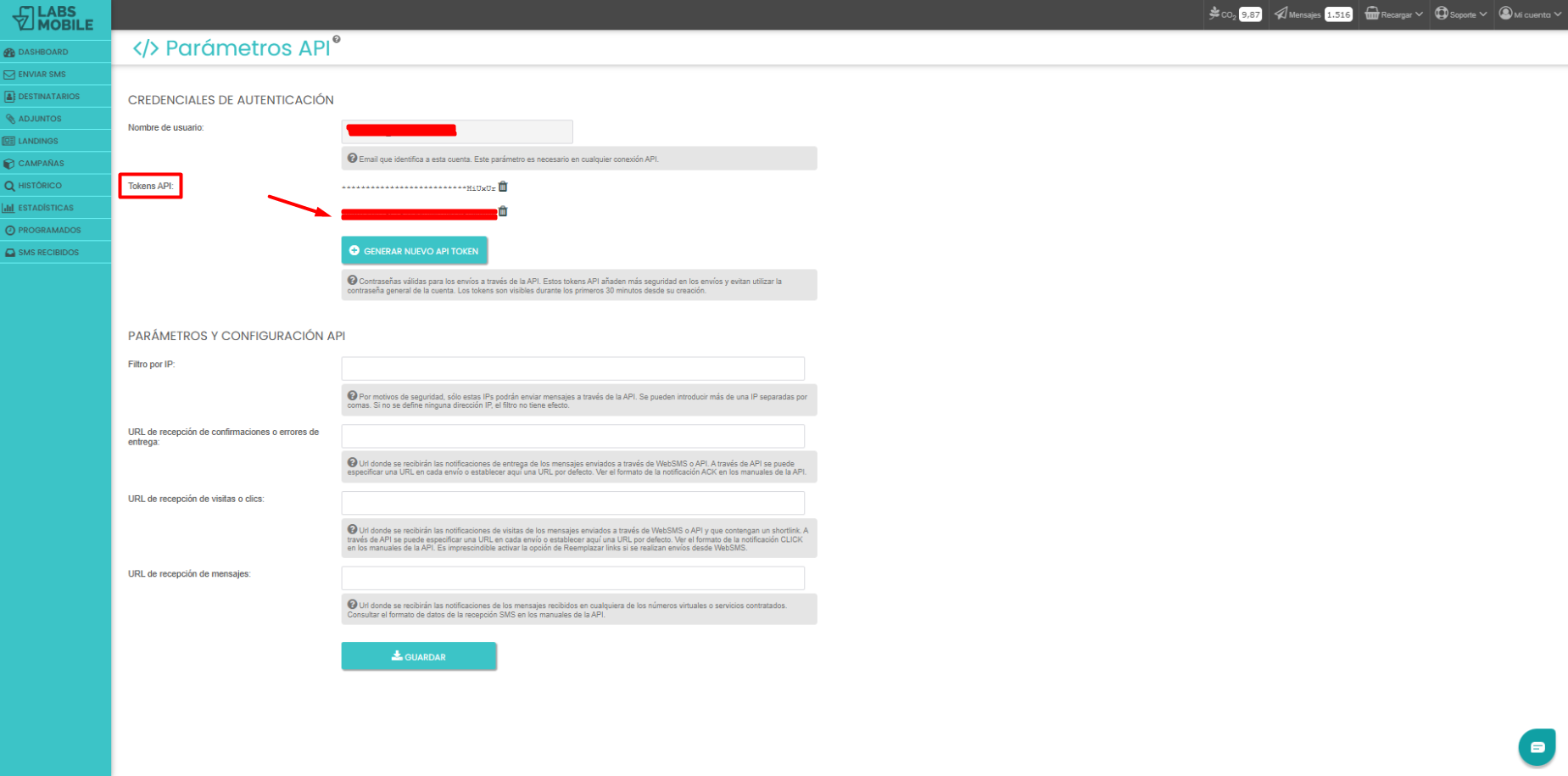
Take the API token you just created in LabsMobile and paste it into the LabsMobile API password field, located under Maintenance > Settings > System > APIs in the web panel.
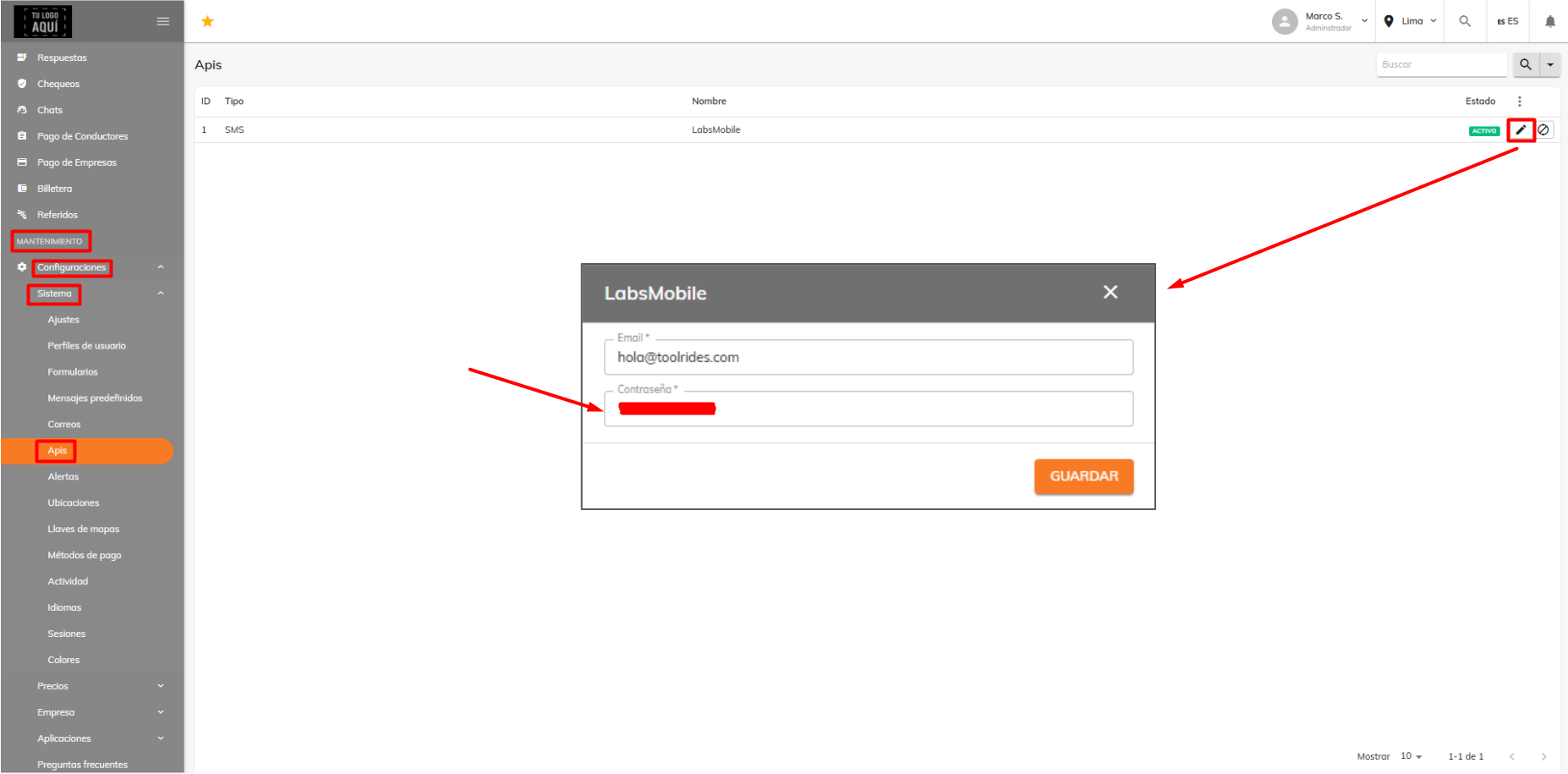
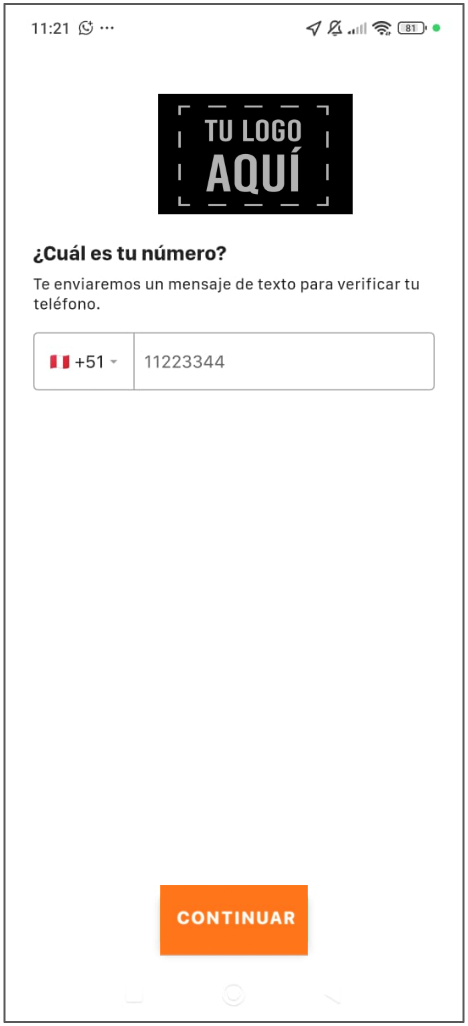
Now you'll need to coordinate with the ToolRides team to make an adjustment, so you can verify that login uses a text message to confirm your mobile phone
Was this article helpful?
Integrations
- LabsMobile integration: SMS verification for user registration
- How to integrate your system via API
- Creating a Google Maps Account