
 Use cases
 Messaging
 Taxi Companies
 Private Transport
 Transportation Entrepreneurs
 Last Mile
 SuperApp
 Software
 Taxi dispatch
 Corporate transportation
 Auction
 Products
 Booking Software
 Dispatch Platform
 Driver App
 Passenger App
 Web Widget
 Functions
 Schedule & Booking
 Driver Management
 Custom
 Corporate Portal
 Security & Support
 Resources
 Learn
Learn



How do I create an Apple iOS developer account?
Creating an Apple developer account is a crucial step for any developer who wants to publish apps on the App Store. Below are the essential steps to set up your Apple developer account, making sure you're ready to bring your apps to a global audience.
Step 1: Get an Apple ID
If you don't have an Apple ID yet, you'll need to create one. This is essential, since your Apple ID will be the hub for all your development and publishing activity. You can create an Apple ID on Apple's official website.
Step 2: Enroll in the Apple Developer Program
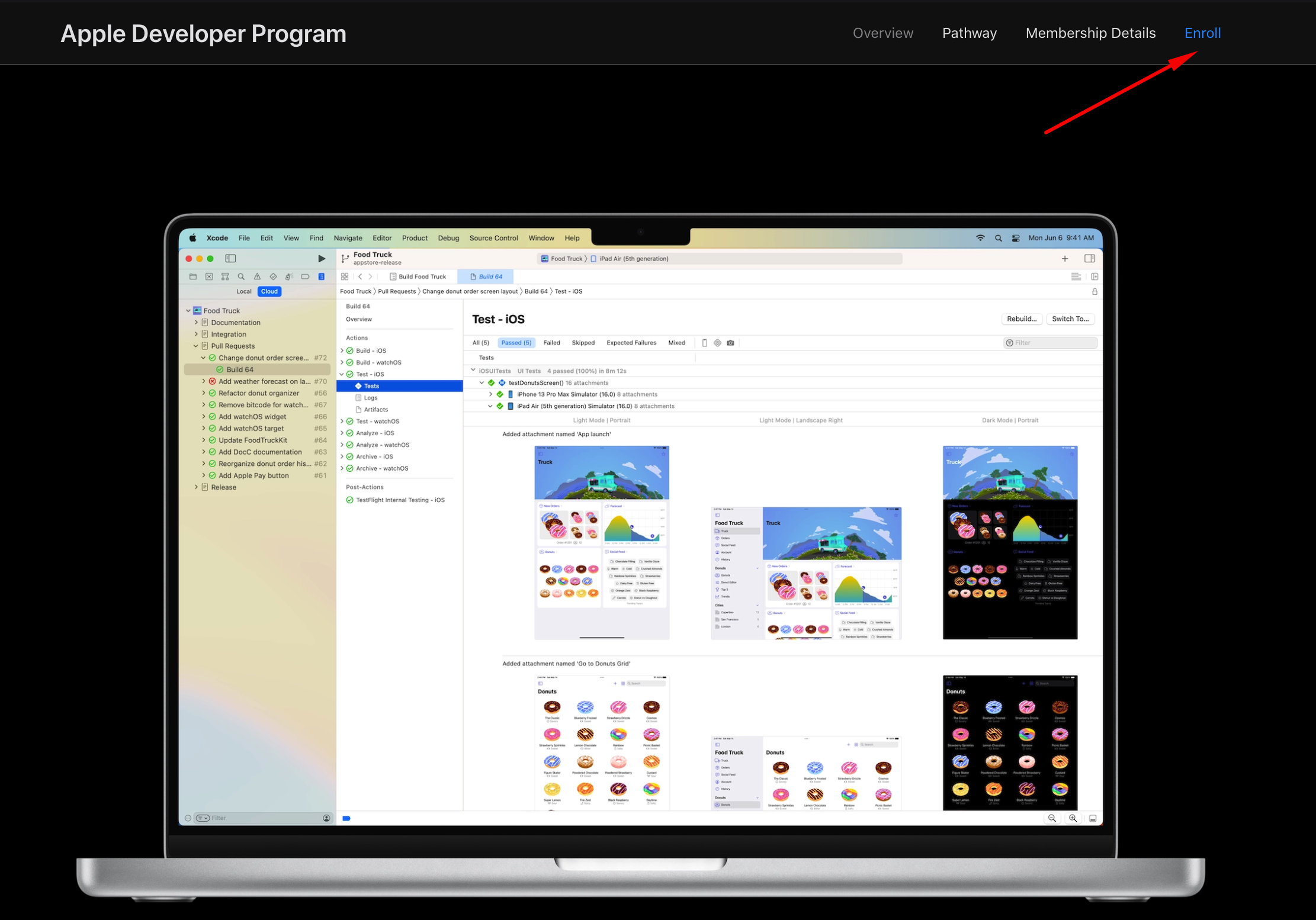
Go to this website https://developer.apple.com/programs/ and choose the "Enroll" option in the upper-right corner of the screen. Apple offers two types of enrollment:
- Individual: Ideal for solo developers who want to publish apps under their own name.
- Organization: Best for companies and organizations that plan to distribute apps under the company name.
Enrollment in the Apple Developer Program costs 99 US dollars per year for both account types.
Step 3: Provide the required details
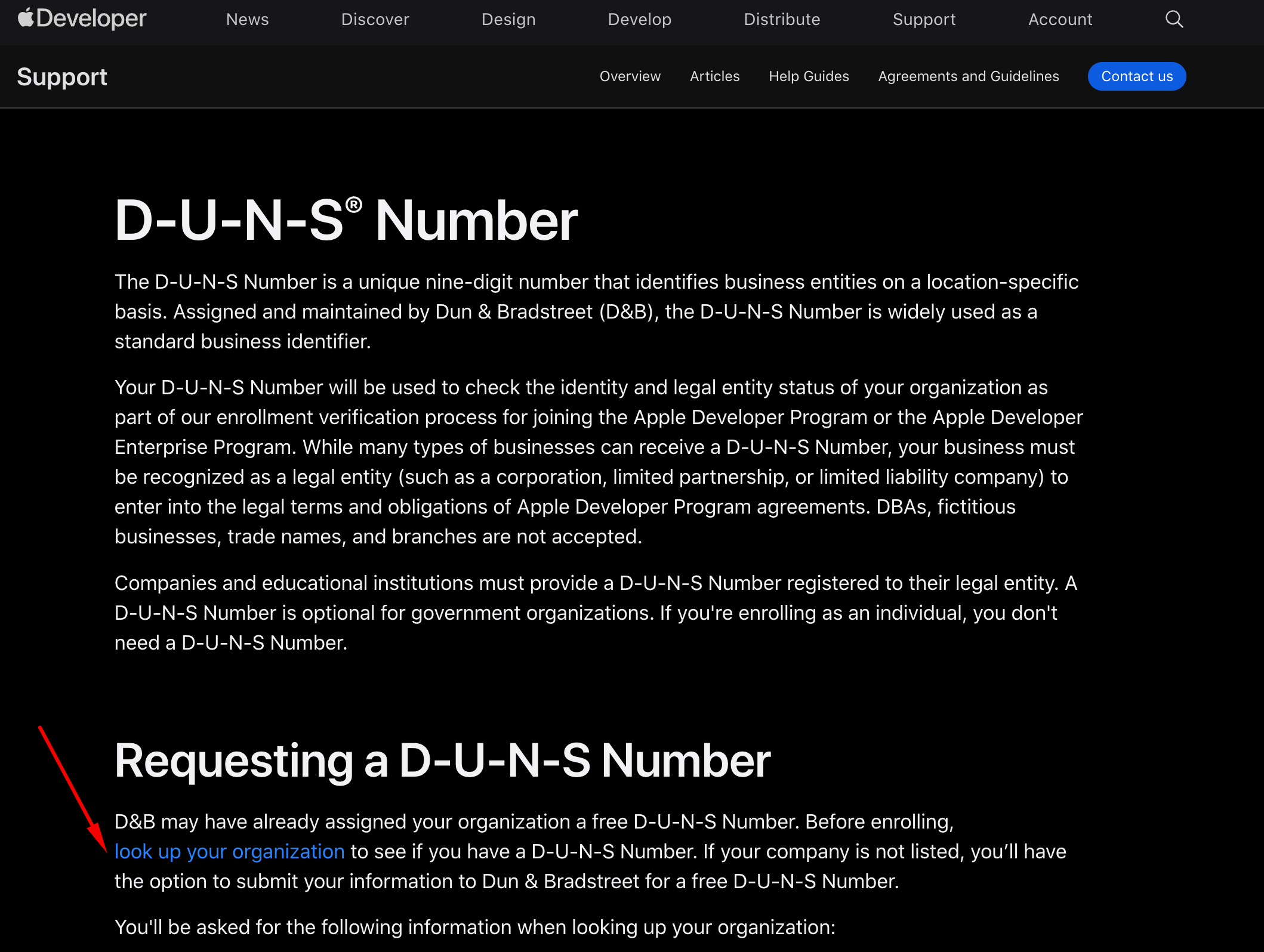
During enrollment, you'll be asked to provide personal or business information, depending on the enrollment type you choose. For organization enrollments, you'll need to provide additional details such as your D-U-N-S number, which verifies your organization's identity and legal status.
https://developer.apple.com/support/D-U-N-S/
Step 4: Verification and approval
After submitting your application, Apple will run a verification process. This may include a verification phone call to confirm details of your enrollment. Once verified, Apple will approve your enrollment and you'll receive a confirmation email.
Step 5: Access developer resources and publish your app
Once your account is approved, you'll have full access to the Apple Developer portal, which includes tools, development documentation, and the ability to start building and publishing apps on the App Store.
Was this article helpful?
Apple & Android Developer Accounts
- iOS: How to invite users to TestFlight
- How do I create an Android developer account on Google Play?
- How do I create an Apple iOS developer account?
- How to Transfer Apps to Another Google Play Developer Account