
 Use cases
 Messaging
 Taxi Companies
 Private Transport
 Transportation Entrepreneurs
 Last Mile
 SuperApp
 Software
 Taxi dispatch
 Corporate transportation
 Auction
 Products
 Booking Software
 Dispatch Platform
 Driver App
 Passenger App
 Web Widget
 Functions
 Schedule & Booking
 Driver Management
 Custom
 Corporate Portal
 Security & Support
 Resources
 Learn
Learn



Paying Your ToolRides Subscription with PayPal
Follow these steps to pay the monthly plan (subscription) you have with ToolRides.
1. Log in to your PayPal account.
2. You should have received a PayPal email with a payment link. Click that link to open it in the browser you use.
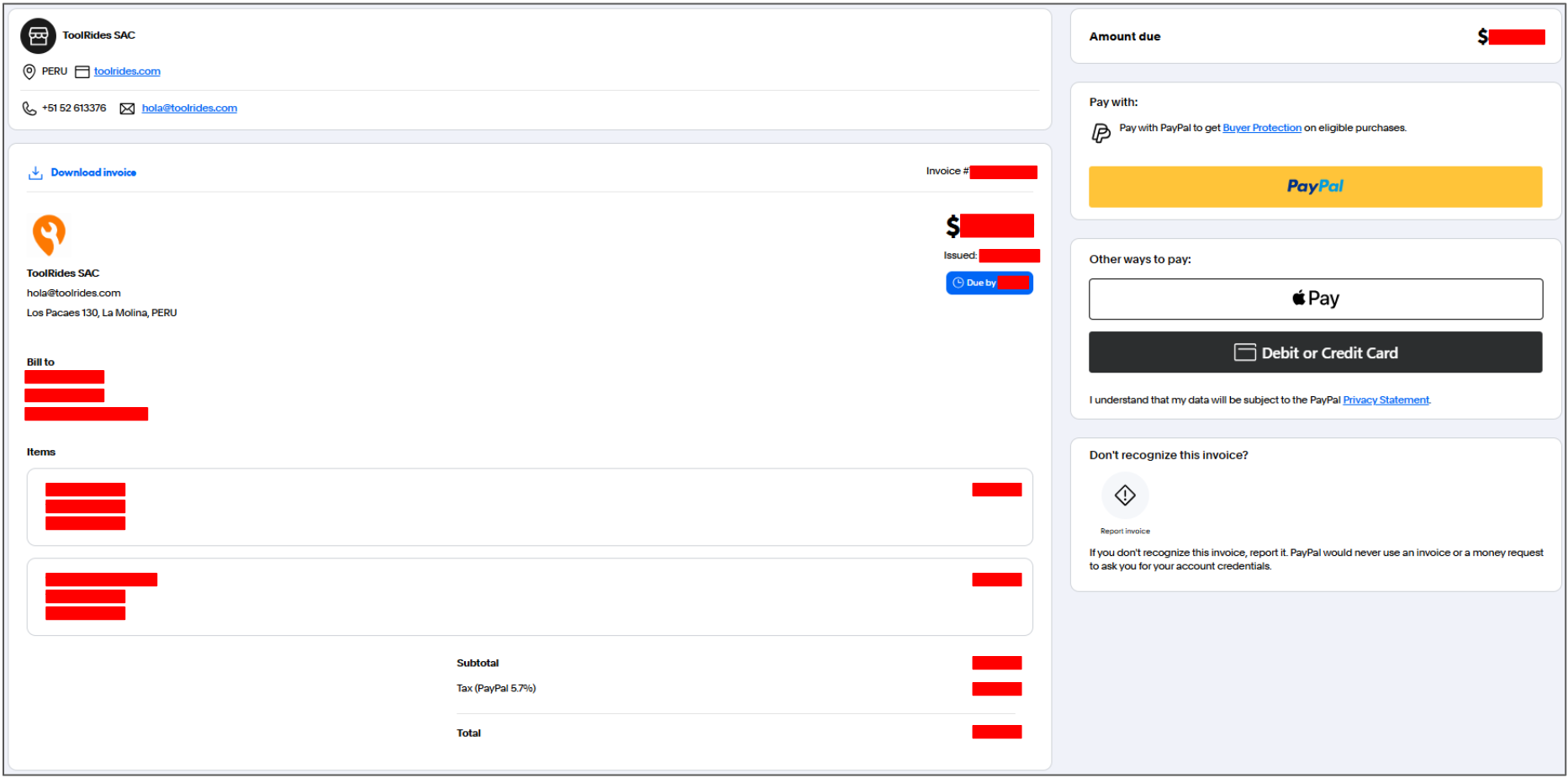
3. If you don't have a balance in your PayPal account and don't have a bank card linked to it either, you can add a bank card. To do so, click the "Debit or Credit Card" button and enter your card details.
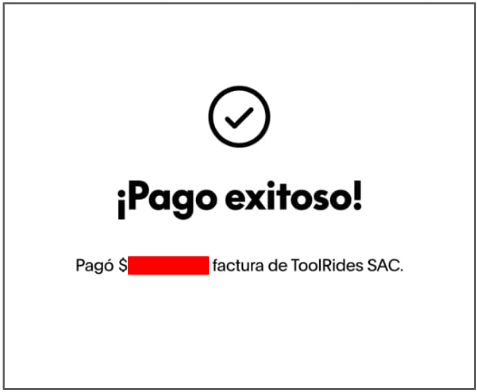
4. Review the details and confirm with the "Send Payment Now" button. You'll then receive an immediate confirmation.
Was this article helpful?
Support
- ToolRides platform technical guide
- Paying Your ToolRides Subscription with PayPal